
 AI headshots, explained
Headshot alternatives, compared
There are four routes to a usable headshot, and they differ in cost, control and how well they scale to a whole team.
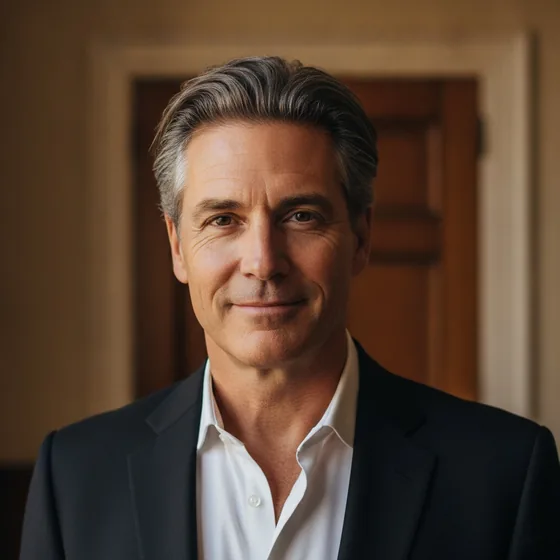
The four routes
Each route solves a different problem, and the right one depends on what the photo is for and how many you need.
- Photographer: direction and a real set. Best for campaigns and formal images; slowest and most expensive per person.
- Self-taken: free and fast. Best for one person who can get the light right; hardest to make consistent across a team.
- AI generator: a batch in one style from existing photos. Best for directories, profiles and teams.
- Retouching service: improves an existing photo. Best when you already have a good image and need it cleaned up.
How to choose
Three questions decide it. How many people need a photo? How consistent do they have to be? And will the image be seen large, or only as a small profile picture?
One person, seen small: self-taken or AI. A team, seen together: AI, because consistency is the requirement. A campaign, seen large: a photographer. An existing good photo that needs work: retouching.
- One person, small display: self-taken or AI set.
- Team, consistent grid: AI set in one style.
- Campaign or print, large: photographer.
- Existing photo, minor fixes: retouching.
Where Zenith fits
AI Headshot Pro: Zenith Studio is the AI generator route: portraits generated from your own photos, in a consistent style, on iPhone and iPad. It is aimed at the images that appear in directories, profiles, team pages and CVs.
It is not a retouching service and it is not a photographer — for a campaign image or a book jacket that needs direction, one of the other routes is the better answer, and this site says so.
How it works
Three steps from a phone photo to a finished image
Upload your photos
Six to ten selfies with different angles and expressions.
Pick a style
Business, editorial, black and white, cinematic — or a profession set.
Download the set
A consistent batch of portraits, ready for your profile.
FAQ
Frequently asked questions
What are the alternatives to an AI headshot generator?
A photographer, a self-taken photo, or a retouching service applied to an existing image. Each is better than a generator for something: a photographer for direction, a self-taken photo for cost, retouching for fixing one specific image.
Which route gives the most consistent team photos?
An AI generator, because the same style can be applied to every person's own photos. Self-taken photos vary by light and background, and a photographer session has to fit everyone's calendar.
Can I combine routes?
Yes, and most people do: a photographer for a campaign or a formal image, and a generated set for the directory and profile pictures. The two are used in different places, so they do not conflict.
Is a retouching service better than a generator?
For improving one specific photo you already like, yes. For producing a set in a consistent style from several photos, a generator does more — retouching changes the image it is given rather than rebuilding the light and background.
Try it on your next photo
Free to download on the App Store. iPhone and iPad only.