
 Selling channels
WhatsApp Business catalog photos
A WhatsApp catalogue is a shop inside a chat: the customer is already talking to you, and the photos decide whether they order or ask.
Size and format
WhatsApp displays catalogue items as square tiles on a phone screen, so square images are what to upload. Anything else is cropped by the app, usually at the sides, which is exactly where the product tends to be.
Because the customer views it in a chat window on a phone, the product needs to be large in the frame and readable without zooming. A wide shot of a whole table with the product in the middle does not survive the crop.
- Square, 1:1 — the shape WhatsApp uses for catalogue tiles.
- Product large in the frame, centred, with even light.
- A plain or white background, so the product reads at small size.
- Upload at 1000 px or more so it stays sharp on high-density screens.
What a catalogue needs that a marketplace does not
On a marketplace, the buyer arrives through search and reads the listing. In WhatsApp, the buyer arrives through a conversation and the catalogue is used to confirm what you have. The images therefore have to work as a price list: clear, consistent, and obviously the same product in every shot.
Consistency across the catalogue is what makes it usable. If every tile has the product at a different scale, on a different background, in different light, the customer cannot compare anything and starts asking questions instead of ordering.
- Same background and same angle for every product in a category.
- Name the item the way your customers say it, in their language.
- Include a price in the item, so the catalogue can be sent without a conversation.
- Keep a detail or in-use shot ready to send when someone asks a follow-up question.
Building the catalogue from phone photos
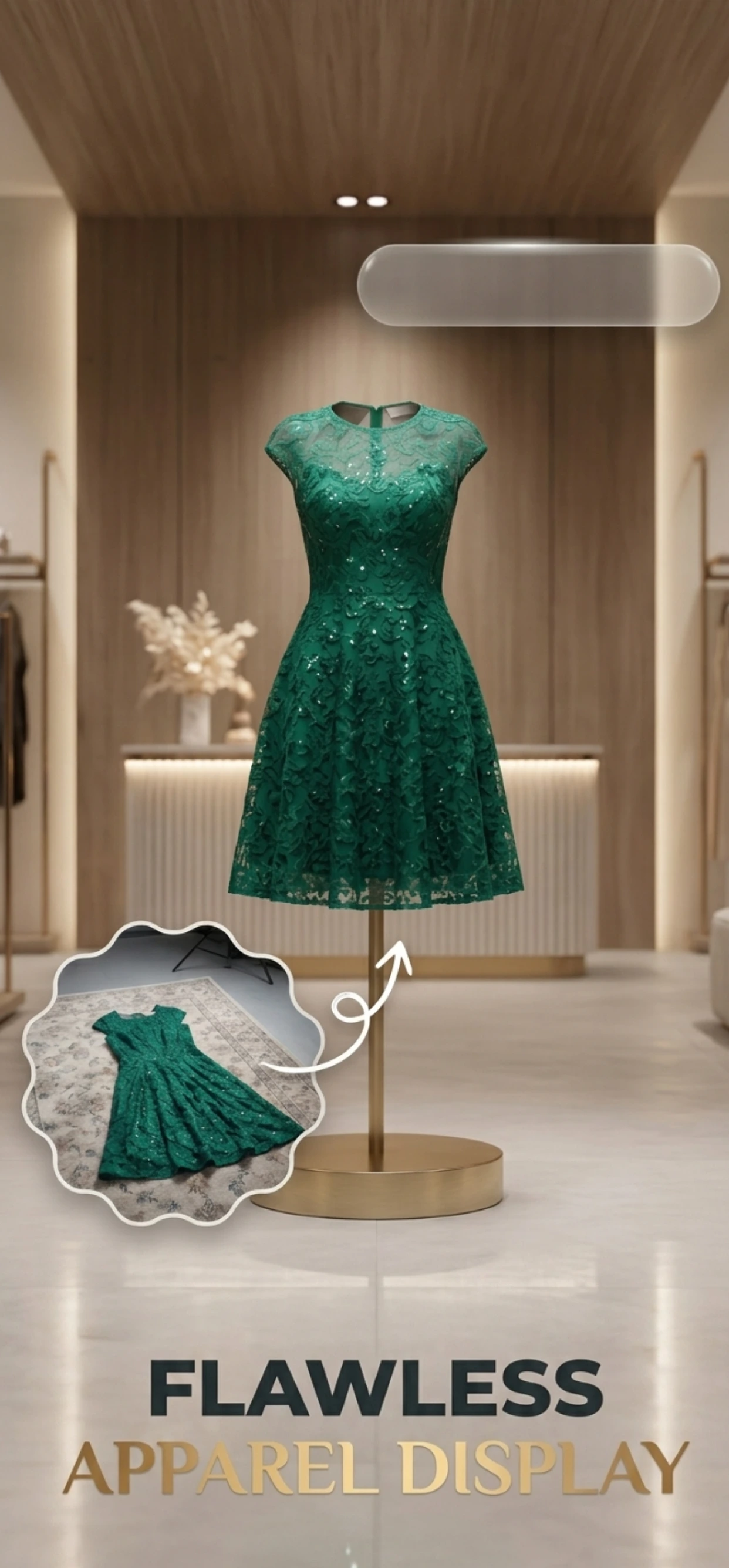
Most WhatsApp sellers work from a phone and a shop counter, not a studio. Zenith AI – Product Photo takes the photo, removes the background to a clean white, relights the product and exports a square — the shape the catalogue needs, from the phone you already have.
Shoot a batch when stock arrives, generate the set, and the catalogue updates in the time it used to take to shoot one item properly.
How it works
Three steps from a phone photo to a finished image
Scan or upload
Take a photo in the app, or pick one you already shot on your iPhone.
Let the AI work
The app removes the background, relights the product and builds the scene.
Export and list
Save a marketplace-ready image at the size your listing needs.
FAQ
Frequently asked questions
What size should WhatsApp Business catalogue images be?
Square, 1:1, at 1000 px or larger. WhatsApp displays catalogue items as square tiles on a phone, and it crops non-square images at the sides.
Can a WhatsApp catalogue have a background?
Yes — a plain background is what makes the product readable at tile size. White or light grey is the safest choice, and keeping it identical across the catalogue makes the whole shop look deliberate.
How many items can a WhatsApp Business catalogue hold?
WhatsApp Business supports a large catalogue, so the practical limit is your time, not the platform. Batch the photography — shoot every new item in one session and generate the images together.
Is a WhatsApp catalogue better than sending photos in chat?
A catalogue is better for browsing and repeat orders, because the customer can see everything you have without scrolling back through a conversation. Send individual photos when you want to highlight one item or answer a question.
Try it on your next photo
Free to download on the App Store. iPhone and iPad only.