
 Selling channels
Product photos for Instagram
Instagram is a square-first, scroll-fast channel: the crop decides how much of your product a buyer sees, and the first frame decides whether they stop at all.
The three crops Instagram will apply to your photo
Instagram does not have one image size; it has three, and they are not interchangeable. A square photo posted as a Reel is padded or cropped, and a tall portrait posted to the feed grid is cut at the sides in your profile.
- Feed square: 1080 x 1080 px. The default, and what most product posts use.
- Feed portrait: 1080 x 1350 px (4:5). Taller than square, and it takes more vertical space in the feed — useful when the product is vertical.
- Reels and Stories: 1080 x 1920 px (9:16). Keep the product in the middle 1080 x 1420 px, because the interface covers the top and bottom.
What makes a product photo work in a feed
A marketplace thumbnail is read by someone who has already decided they want the product. An Instagram photo is read by someone who has not. That changes the brief: contrast, one clear subject and a background that is not fighting the product matter more than a technically perfect white cut-out.
Lifestyle backgrounds win here. A handbag on a café table, a serum on a bathroom shelf, a candle beside a book — the setting does the work of explaining who the product is for.
- One product per image. Grids that mix five products in one frame get saved less and clicked less.
- Leave the bottom fifth clear if you use the grid, because that is where the caption preview sits.
- Keep text out of the image unless it is part of the brand. Instagram's own shop tags do the labelling.
Making a month of content from one photo
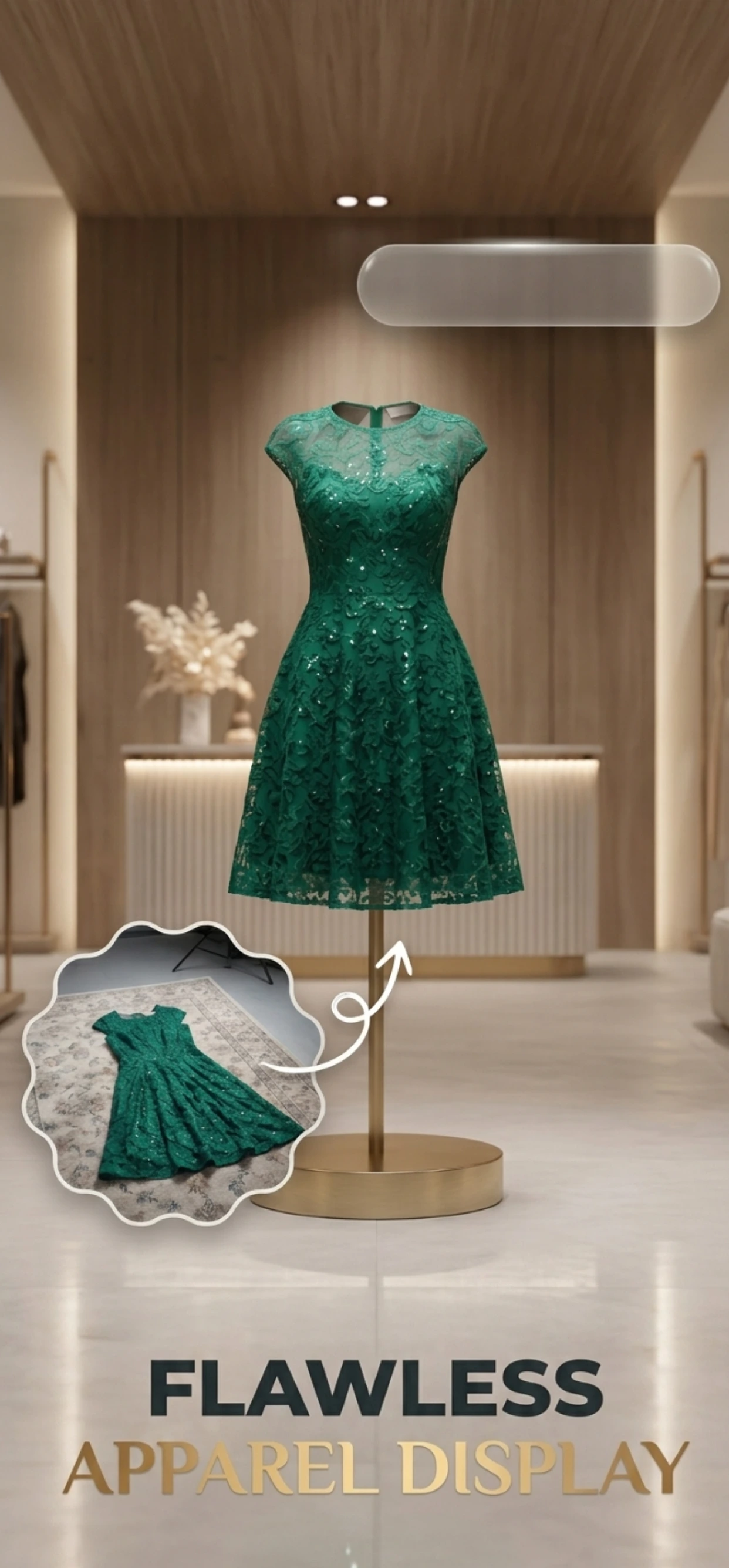
Zenith AI – Product Photo removes the background, relights the product and rebuilds the scene, so one honest photo of a product becomes a set of images on different backgrounds. Export the square for the feed, the tall crop for Reels covers and the lifestyle version for the shop tab.
The workflow is the same for a seller with forty SKUs: shoot a batch on the kitchen table, generate the backgrounds, and export at each crop.
How it works
Three steps from a phone photo to a finished image
Scan or upload
Take a photo in the app, or pick one you already shot on your iPhone.
Let the AI work
The app removes the background, relights the product and builds the scene.
Export and list
Save a marketplace-ready image at the size your listing needs.
FAQ
Frequently asked questions
What size should an Instagram product photo be?
1080 x 1080 px for the feed grid, 1080 x 1350 px for a taller portrait post and 1080 x 1920 px for Reels and Stories. Instagram compresses anything larger, so there is no benefit to uploading 4000 px.
Should Instagram product photos have a white background?
Usually not. White backgrounds read as marketplace listings and they flatten the scroll. Use them in the shop tab, where consistency helps, and lifestyle backgrounds in the feed.
How do I keep the product in frame in a Reel?
Keep the product inside the middle 1080 x 1420 px band of the 1080 x 1920 canvas. The top carries the account name and the bottom carries the caption and controls, and both overlay the video.
Can I use the same photos on Instagram and my marketplace listing?
Yes, and you should shoot them in one session. The marketplace needs a white background and a square crop; Instagram wants a scene. Generate both from the same original photo so the product itself is identical across channels.
Try it on your next photo
Free to download on the App Store. iPhone and iPad only.