
 Selling channels
Vinted listing photos
Vinted buyers are hunting for a bargain, but they are also scanning for risk. A clear, complete, honestly shot listing is what separates a sale from a scroll.
Shot one: the whole item, clean
Vinted shows listings in a dense, portrait-cropped grid. The cover has to read at thumbnail size, which means the whole item in frame, on a plain background, in daylight. Anything with a busy background disappears next to a listing shot against a white wall.
Because the grid is portrait, shoot the garment vertically where you can, or crop a landscape shot to portrait with the garment centred.
- Whole item in frame, centred, with a little space top and bottom.
- Plain background — wall, sheet, or a light floor. Avoid patterned surfaces.
- Daylight from a window, no flash, no filters that shift the colour.
- One item per photo. Bundles confuse the grid.
The four photos that build trust
Second-hand buyers are not only asking whether they like the item; they are asking whether the seller is reliable. The photos that answer that question are the boring ones: the label, the fabric, the flaw, the measurement.
- The brand and size label, photographed straight on and legible.
- The fabric close up, so the weight and weave are visible.
- Any wear, hole or mark, photographed clearly and named in the description.
- Flat measurements, with a tape measure in the frame.
Making a plain photo look shop-quality
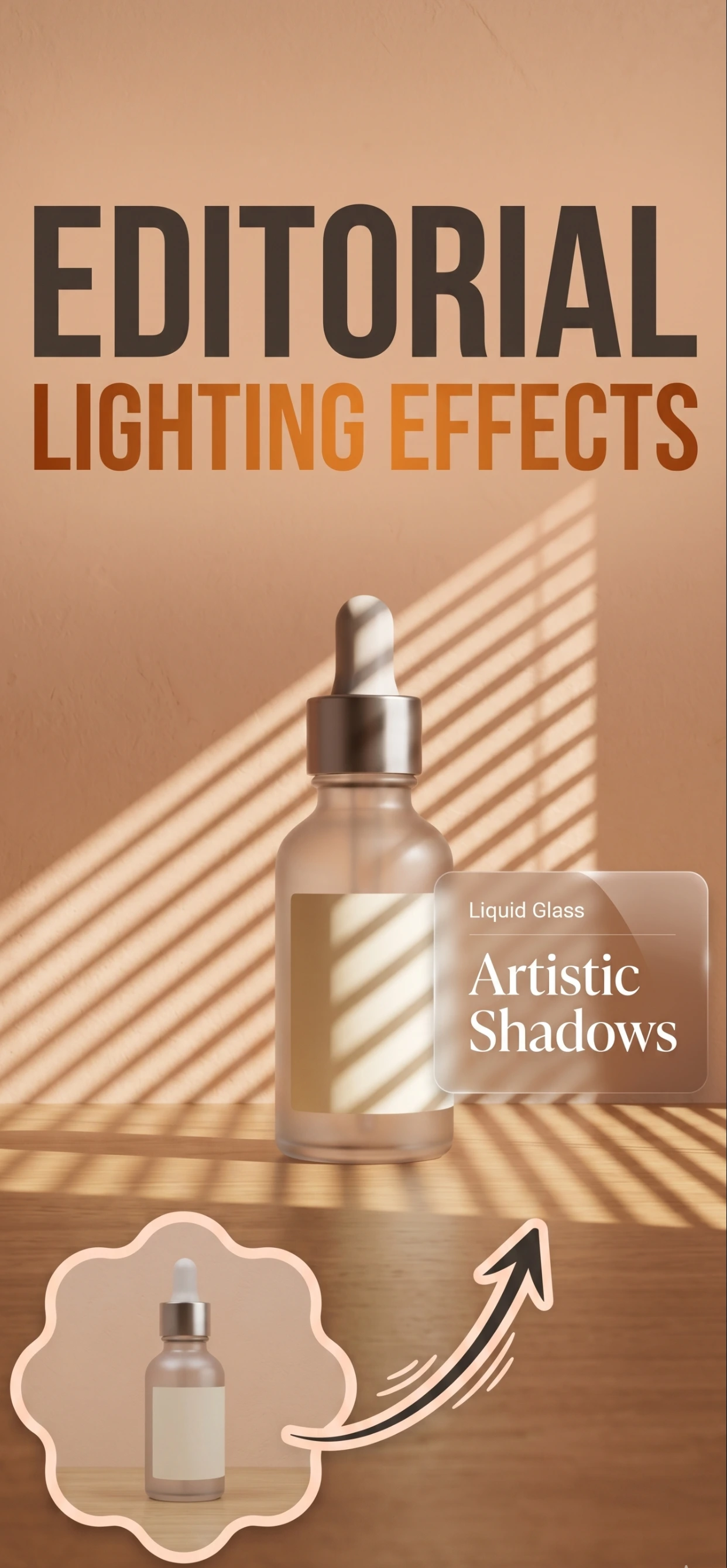
A jumper photographed on a bed and the same jumper photographed on a clean studio background are the same jumper — but only one of them looks like it came from a shop. Zenith AI – Product Photo replaces the background and relights the item, so a listing shot in a small flat can look like it was shot in a studio.
That matters on Vinted because presentation is the only signal of quality available before the item arrives.
How it works
Three steps from a phone photo to a finished image
Scan or upload
Take a photo in the app, or pick one you already shot on your iPhone.
Let the AI work
The app removes the background, relights the product and builds the scene.
Export and list
Save a marketplace-ready image at the size your listing needs.
FAQ
Frequently asked questions
What makes a good Vinted cover photo?
The whole item, centred on a plain background, shot in daylight and cropped to a portrait shape so it fills Vinted's grid. The cover is competing at thumbnail size, so a clean background matters more than styling.
How many photos should a Vinted listing have?
As many as the listing allows, and at minimum four: the full item, the brand label, a fabric close-up and any flaw. Add flat measurements if the item is clothing, since that is the question buyers ask most.
Do Vinted photos need a white background?
No, but a plain one. White and light grey read as clean and trustworthy; a busy room does not. Consistency across your wardrobe also helps, because buyers often browse a seller's other listings.
Should I edit photos before listing on Vinted?
Adjust the background, crop and exposure so the item is clearly visible, but never alter the item itself. Buyers forgive wear that was photographed honestly; they do not forgive wear that was hidden.
Try it on your next photo
Free to download on the App Store. iPhone and iPad only.