
 Techniques
Product photo retouching
Retouching a product photo is mostly housekeeping: edges, dust, reflections and colour. It stops being housekeeping the moment it changes the product.
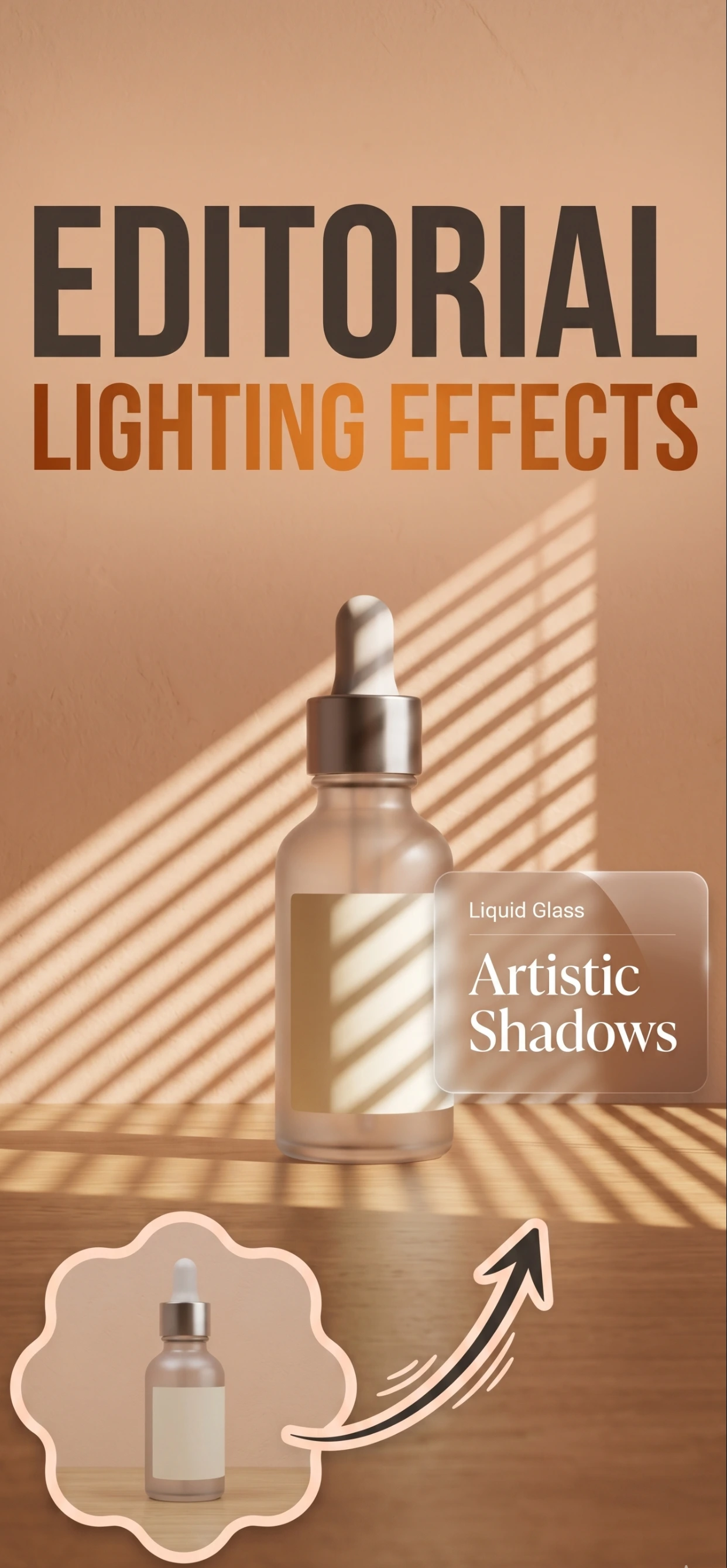
Edges are where retouching is judged
A cut-out product is only as good as its edge. A halo of the old background, a jagged outline around hair or fur, a straight cut across a curved surface — these are what make an otherwise good photo look like a cheap edit.
Good edges come from a good original: a plain background, a sharp product, and a contrast between the two. If the product is white on white, move it or change the light before you cut it out.
- Shoot on a plain background that contrasts with the product.
- Check the edge at 100% zoom, not at thumbnail size.
- Watch transparent and fuzzy edges — glass, fur, feathers, netting.
- A soft shadow under the product reads as real; a hard cut does not.
Dust, marks and reflections
Dust is the most common defect in a product photo and the easiest to fix, because it is on the surface rather than in the product. Clean the product first — a lint roller, a microfibre cloth — and you have less to retouch.
Reflections are the hardest. A reflection of the room in a shiny product cannot simply be painted out; it has to be rebuilt from the surrounding pixels, and the result looks wrong if the light direction does not match. It is usually faster to reshoot with white card around the product.
- Clean the product before shooting; retouching dust is wasted effort.
- Remove dust and fingerprints from the image, not scratches or chips.
- Rebuild reflections only where they are clearly a room artefact.
- Keep the natural contact shadow — it is what makes a product look placed.
Retouching at listing scale
Professional retouching is charged per image, which is why most catalogues are not retouched at all. Zenith AI – Product Photo does the mechanical part — background removal, edge cleanup, relighting — in one pass, which removes the dust-and-edge work that used to cost money.
What remains is the judgement: whether the product looks right, whether the colour is honest, whether the shadow makes sense. That is worth doing by hand, and it takes seconds per image rather than minutes.
How it works
Three steps from a phone photo to a finished image
Scan or upload
Take a photo in the app, or pick one you already shot on your iPhone.
Let the AI work
The app removes the background, relights the product and builds the scene.
Export and list
Save a marketplace-ready image at the size your listing needs.
FAQ
Frequently asked questions
How much retouching does a product photo need?
Enough to remove dust, clean the edges and even out the light. That is usually all a listing needs. Anything that alters the product itself — its condition, colour or shape — should not be retouched at all.
How do I clean up product photo edges?
Start with a clean cut-out against a contrasting background, then check the edge at 100% zoom. Fuzzy edges on fur, netting or glass are the hard cases, and they are much easier to get right in the original than in the edit.
Should I remove reflections from shiny products?
Only the ones that are clearly artefacts of the room. A reflection that follows the product's shape looks natural; a rectangular window reflected in a curved surface does not. Reshooting with white card around the product is faster than repairing it.
Is retouching worth it for a small catalogue?
Yes, but selectively: clean edges, no dust and accurate colour are worth having on every image. Anything beyond that is a judgement call, and for a small catalogue it is usually better to spend the time on a second angle than on a finer retouch.
Try it on your next photo
Free to download on the App Store. iPhone and iPad only.