
 Techniques
Product photography lighting at home
You do not need a light kit. You need one soft source, one white surface to bounce it back, and a product that is not sitting directly under a ceiling light.
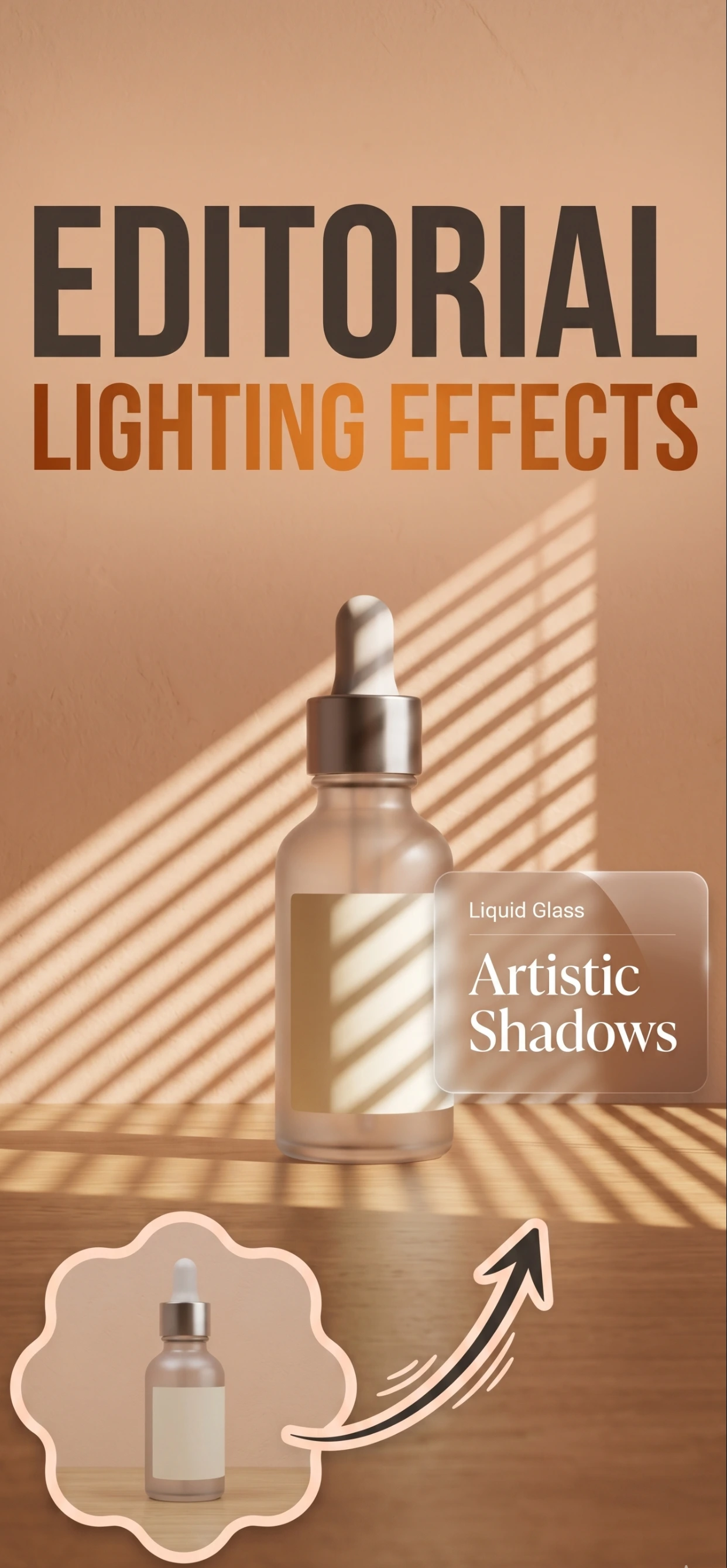
The setup that works in any room
Put the product on a plain surface beside a window, and put yourself between the product and the window so the light comes from behind you and slightly to one side. That single arrangement gives an even wash of light with a soft shadow that shows the product's shape.
Then add a reflector — a sheet of white A4 paper, a white wall, a folded towel — on the opposite side. It bounces light back into the shadow and stops the dark side of the product going muddy. The difference between a photo with and without that reflector is larger than any camera upgrade.
- Window light, diffused by a net curtain if the sun is strong.
- Product at 30 to 45 degrees to the light, never square-on to it.
- White card or paper opposite the light, to fill the shadow side.
- Camera on something stable — a stack of books is a tripod.
The two mistakes that make a photo look amateur
The first is the ceiling light. It is directly overhead, so it puts a hard shadow under the product, flattens the top surface and casts a colour that phone cameras cannot white-balance. Turning it off improves the photo immediately.
The second is flash. On-camera flash is a small, hard, on-axis source: it kills texture, creates a bright spot on anything reflective and drops a hard shadow onto the background right behind the product. If the room is too dark for a handheld shot, use a longer exposure on a stable surface instead.
- Turn off the room lights and use the window.
- Turn off the flash and steady the camera instead.
- Avoid mixing daylight and warm bulbs — the product ends up two colours.
- Avoid direct sun, which clips highlights on anything shiny.
Lighting specific materials
Reflective products — watches, jewellery, glass, glossy packaging — reflect the room, so what you need to control is not the light but what is in front of the product. A white card on each side wraps the light around it and removes most of the reflection.
Dark products need the opposite of instinct: less light on the product and more light around it. Put black shoes or a dark bottle on a light surface, and let the background reflect into the shadow side.
- Shiny: white card on both sides, soft light, camera square on.
- Dark: light surface behind and below, avoid pointing more light at it.
- Transparent: backlight it against white, and keep the front lit softly.
- Textured: side light to catch the weave, grain or stitching.
When the light is right, the app does the rest
Zenith AI – Product Photo removes the background and relights the product, so a photo taken with decent window light comes out looking like a studio shot: even exposure, clean edges, no colour cast from the room.
The app cannot fix bad light, which is why this page exists. Get the light right, then let the app handle the background.
How it works
Three steps from a phone photo to a finished image
Scan or upload
Take a photo in the app, or pick one you already shot on your iPhone.
Let the AI work
The app removes the background, relights the product and builds the scene.
Export and list
Save a marketplace-ready image at the size your listing needs.
FAQ
Frequently asked questions
What is the best light for product photos?
Diffused daylight from a window, positioned to one side of the product with a white card opposite to fill the shadows. It is soft, free, colour-accurate and available in almost every room.
Can I use a ring light or LED panel?
You can, and it works if you diffuse it and move it off-axis. A bare ring light on the camera axis produces the flat, shadowless look of a passport photo, which is the opposite of what a product photo needs.
How do I photograph a shiny product without reflections?
Control what the product reflects rather than the light itself. Put white card on both sides, keep the camera square to the product and remove anything dark or colourful from in front of it — including you and your phone.
Do I need a lightbox?
Only for small, highly reflective items like jewellery, where a lightbox is the easiest way to wrap light around the product. For everything else, a window and a white card do the same job.
Try it on your next photo
Free to download on the App Store. iPhone and iPad only.