
 Techniques
Product photo background ideas
The background is the fastest way to change what a photo says. White says listing; a surface says lifestyle; a room says this belongs in your home.
Start from where the photo will be seen
The background is not a style choice, it is a channel choice. Marketplaces show products in a grid of white cut-outs, so a white background is what makes a listing look like it belongs there — and on Amazon it is a requirement for the main image. Social feeds are the opposite: white reads as advertising and gets scrolled past.
So the same product usually needs two backgrounds, and the cheapest way to get both is to shoot once against something plain and generate the rest.
- Pure white (RGB 255,255,255): marketplace main images, Google Shopping, Amazon.
- Off-white or light grey: your own store, where pure white can look clinical.
- Textured surfaces — wood, marble, linen, concrete: social and lifestyle imagery.
- Generated rooms and studio sets: anything where the product needs context.
Choosing a background that suits the product
A background works when it separates the product from itself and supports what the product is for. Contrast does the first job: a dark product needs a light background, a pale product needs something warmer or darker, a busy product needs a plain field.
The second job is context. A serum on a bathroom shelf, a coffee bag on a kitchen counter, a candle beside a book — the background tells the buyer where the product lives, which is a faster argument than any caption.
- Match the surface to the material: wood for craft and food, marble for beauty, linen for textiles.
- Keep the palette to two or three colours, including the product.
- Avoid patterns behind detailed products — they fight for attention.
- For jewellery, a dark or textured surface makes metal read better than white.
Generating the background instead of building one
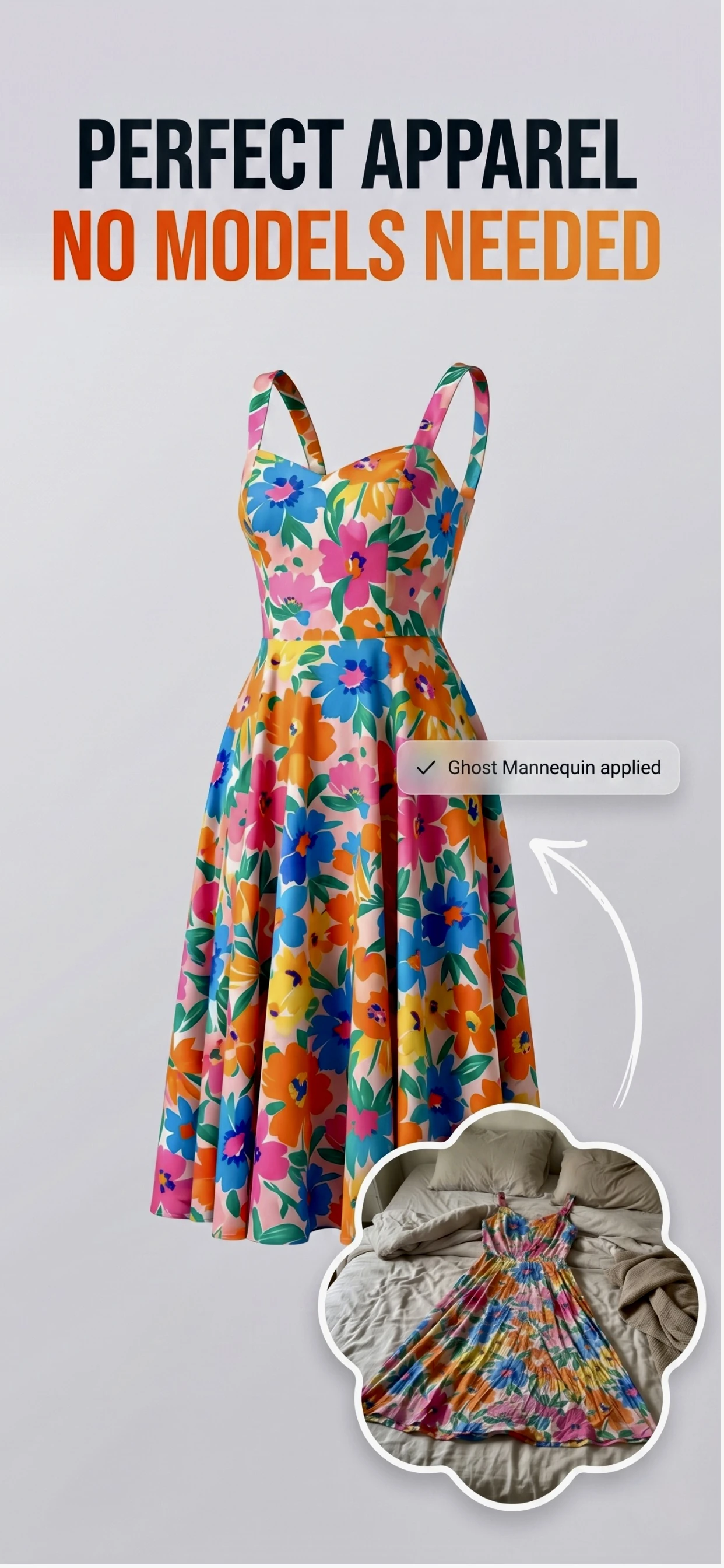
Building a set means buying surfaces, propping products and finding space. Zenith AI – Product Photo removes the original background and generates a new one — a clean white cut-out, a studio backdrop, a marble surface or a described scene — from the same photo.
That is how one shoot produces a marketplace image, a website hero and a social post without moving the product.
How it works
Three steps from a phone photo to a finished image
Scan or upload
Take a photo in the app, or pick one you already shot on your iPhone.
Let the AI work
The app removes the background, relights the product and builds the scene.
Export and list
Save a marketplace-ready image at the size your listing needs.
FAQ
Frequently asked questions
What background is best for product photos?
Pure white for marketplace listings, because that is what the surrounding grid looks like and what Amazon requires. For social and brand imagery, a textured or styled background that gives the product context performs better.
Should the background be the same for every product?
Within a channel, yes. A consistent background across a range makes a small catalogue look like a brand, and it makes products easier to compare. Use the same white for listings and a consistent style for social.
Can I use a photo of a real room as a background?
You can, and generated backgrounds are built from exactly that idea. The advantage of generating one is that the perspective, shadow and light direction can be matched to the product rather than hoping a stock room photo lines up.
How do I photograph a white product on a white background?
Give it separation: a soft shadow beneath it, a very slight off-white background, or a thin grey edge. A pure white product on a pure white background loses its outline and reads as a shapeless blob.
Try it on your next photo
Free to download on the App Store. iPhone and iPad only.