 Feature guides
Make transparent background for images
Use our transparent background maker to create transparent PNGs for logos, stickers, and graphics. Remove background and make images transparent in seconds - free online tool.
Why Use Transparent Background Maker?
- Create Transparent PNGs: Make transparent background images perfect for logos, stickers, icons, and graphic design projects.
- Instant Results: Make transparent background in seconds. No manual editing or Photoshop skills needed.
- Free to Use: Make transparent backgrounds for free. No payment, no signup, no limits.
- Mobile Ready: Create transparent backgrounds on your iPhone. Work anywhere, anytime.
Perfect for Design Projects
- Logos: Create transparent background logos that work on any website or marketing material.
- Stickers & Decals: Make transparent stickers and decals for products, packaging, and promotions.
- Icons & Buttons: Create transparent icons and buttons for apps and websites.
- Social Media: Create transparent overlays and graphics for Instagram, TikTok, and more.
How it works
Three steps from a phone photo to a finished image
Scan or upload
Take a photo in the app, or pick one you already shot on your iPhone.
Let the AI work
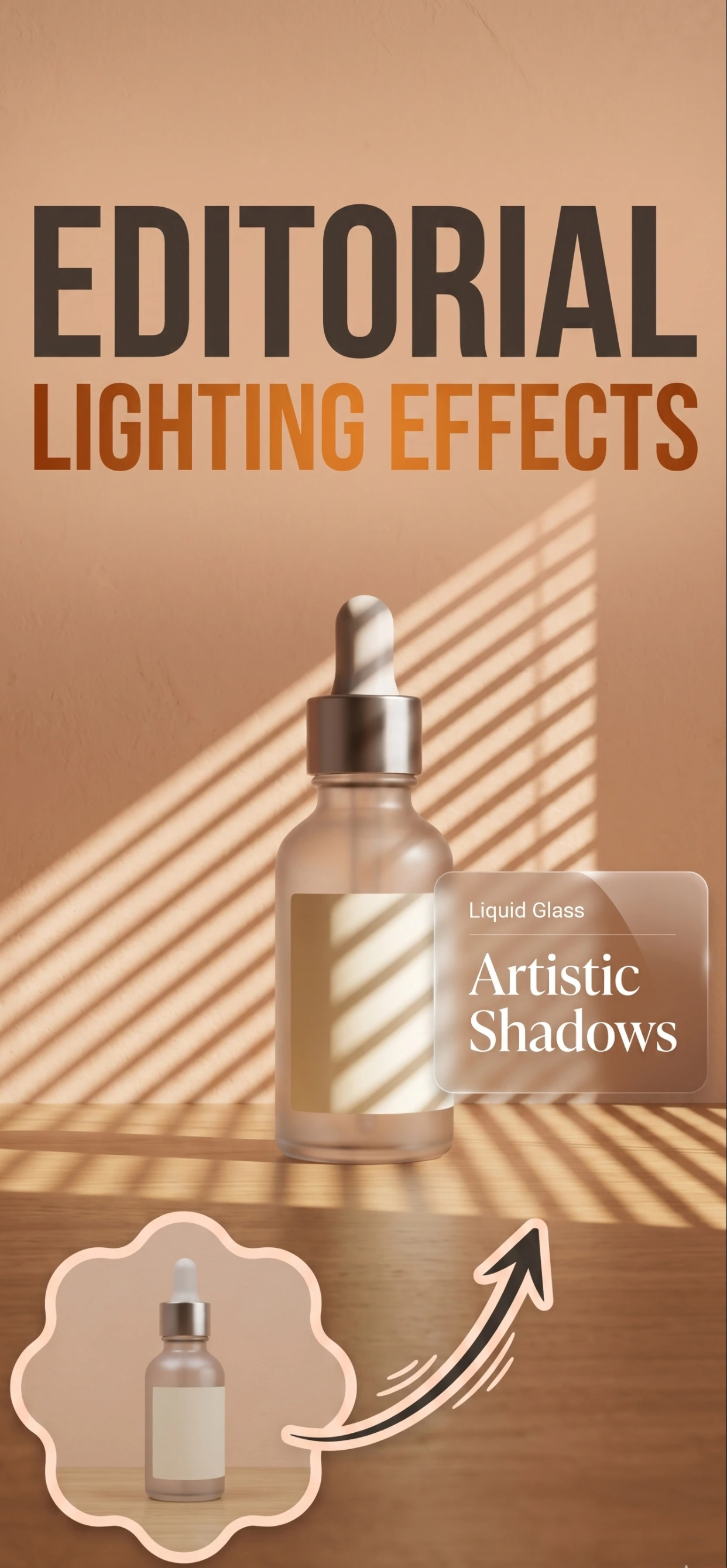
The app removes the background, relights the product and builds the scene.
Export and list
Save a marketplace-ready image at the size your listing needs.
FAQ
Frequently asked questions
What is a transparent background for?
A transparent PNG lets the product sit on any surface or design — a marketplace thumbnail, a banner, a print layout — without a white box around it.
How do I make a transparent background?
Remove the background in the app and export as a transparent PNG. The cut-out edge is what matters, so start from a sharp, well-lit photo.
Which format keeps transparency?
PNG. JPEG does not support transparency, so check the export format before you place the image in a design.
Do marketplaces accept transparent images?
Most want a white or solid background on the main image, but transparent versions are useful for secondary images, brand assets and off-marketplace use.
Try it on your next photo
Free to download on the App Store. iPhone and iPad only.