
 Feature guides
Replace background in photos with AI
Transform ordinary product photos with AI background replacement. Replace plain backgrounds with stunning lifestyle scenes, studio settings, or custom backgrounds that sell.
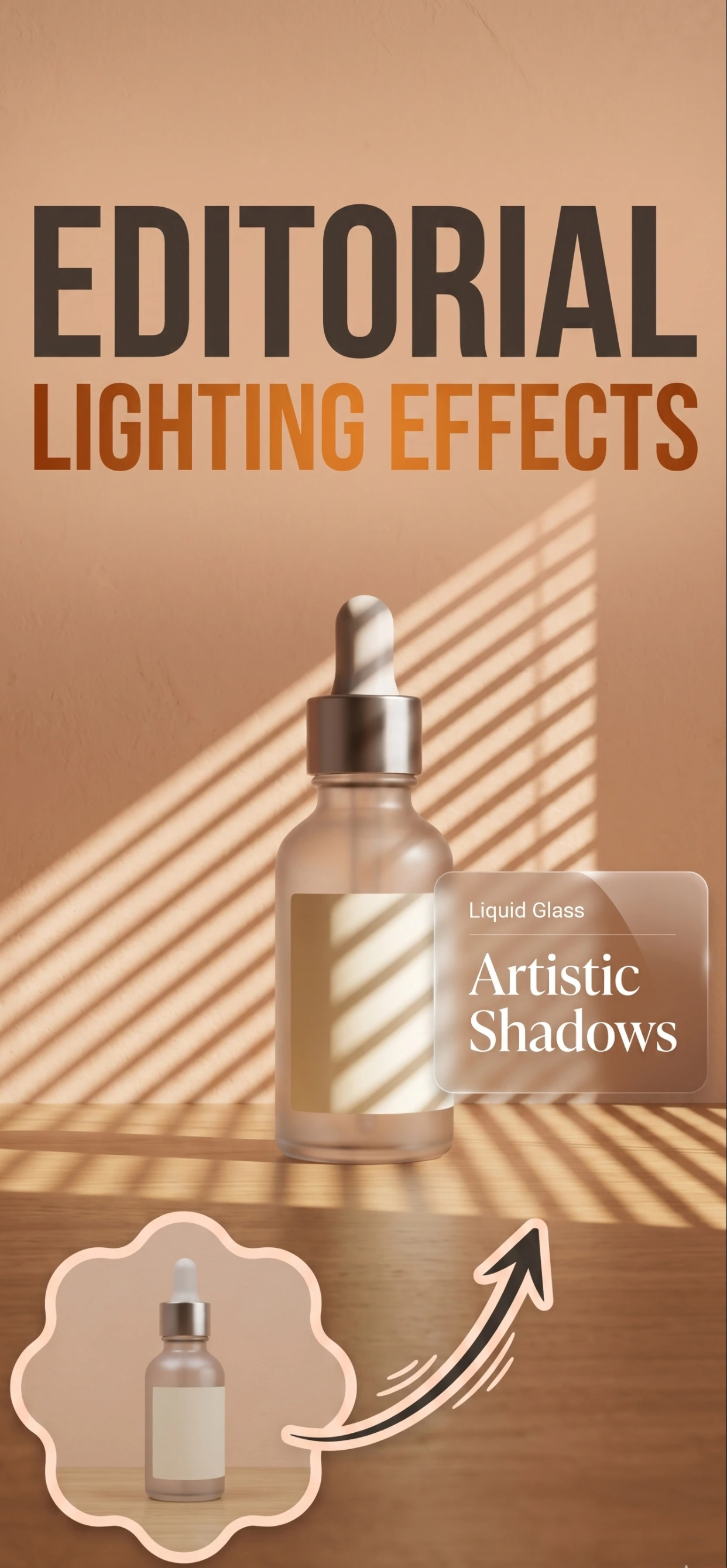
Why Use AI Background Replacement?
- Custom Backgrounds: Replace background with any scene you imagine. From studio settings to outdoor locations, create the perfect context for your products.
- Lifestyle Scenes: Place products in aspirational lifestyle settings that help customers envision using your products in their own lives.
- Natural Results: AI seamlessly blends products into new backgrounds with realistic lighting, shadows, and perspective.
- Instant Processing: Replace backgrounds in seconds. No manual editing or Photoshop skills required.
Perfect for Ecommerce
- Amazon Listings: Create compelling Amazon product images with backgrounds that meet requirements and increase conversions.
- Shopify Stores: Replace backgrounds with consistent, professional settings that match your Shopify theme.
- Social Media: Create eye-catching social media content with trending backgrounds and scenes.
- Marketing Campaigns: Produce professional marketing materials with custom backgrounds that match your brand.
How it works
Three steps from a phone photo to a finished image
Scan or upload
Take a photo in the app, or pick one you already shot on your iPhone.
Let the AI work
The app removes the background, relights the product and builds the scene.
Export and list
Save a marketplace-ready image at the size your listing needs.
FAQ
Frequently asked questions
What is background replacement in product photos?
It swaps the backdrop behind a product for something else — a studio set, a marble surface, linen, or any scene you describe. The product itself stays untouched, so the new scene is built around the same lighting and shadows.
When should I replace a background instead of removing it?
Remove the background when the marketplace demands pure white (Amazon, eBay). Replace it when you want lifestyle context — a product in use, on a surface, or in a room — for social, your storefront or secondary listing images.
Does background replacement work on any product?
It works best when the product is sharply lit and clearly separated from the original backdrop. Glass, transparent items and fine details like hair or fur need a cleaner source photo.
Can I keep the replaced background consistent across a catalog?
Yes. Use the same scene prompt and the same shooting setup for every product, and the generated backgrounds will stay visually consistent across the range.
Try it on your next photo
Free to download on the App Store. iPhone and iPad only.