
 Comparisons
Product photos for social media
Social crops are vertical and varied, and each platform applies its own. Shoot once with margin, and export per channel rather than re-shooting.
The crops each platform applies
Instagram uses square and 4:5 in the feed and 9:16 in Reels; Pinterest is 2:3 vertical; TikTok is 9:16 throughout; Facebook mixes square and portrait. A single photo has to survive all of them, which means shooting with margin and keeping the product away from the edges.
- Instagram: 1080 x 1080, 1080 x 1350, and 1080 x 1920 for Reels.
- Pinterest: 1000 x 1500 (2:3).
- TikTok: 1080 x 1920, with the product in the middle band.
- Facebook: square and 4:5, depending on placement.
What performs on social, and what does not
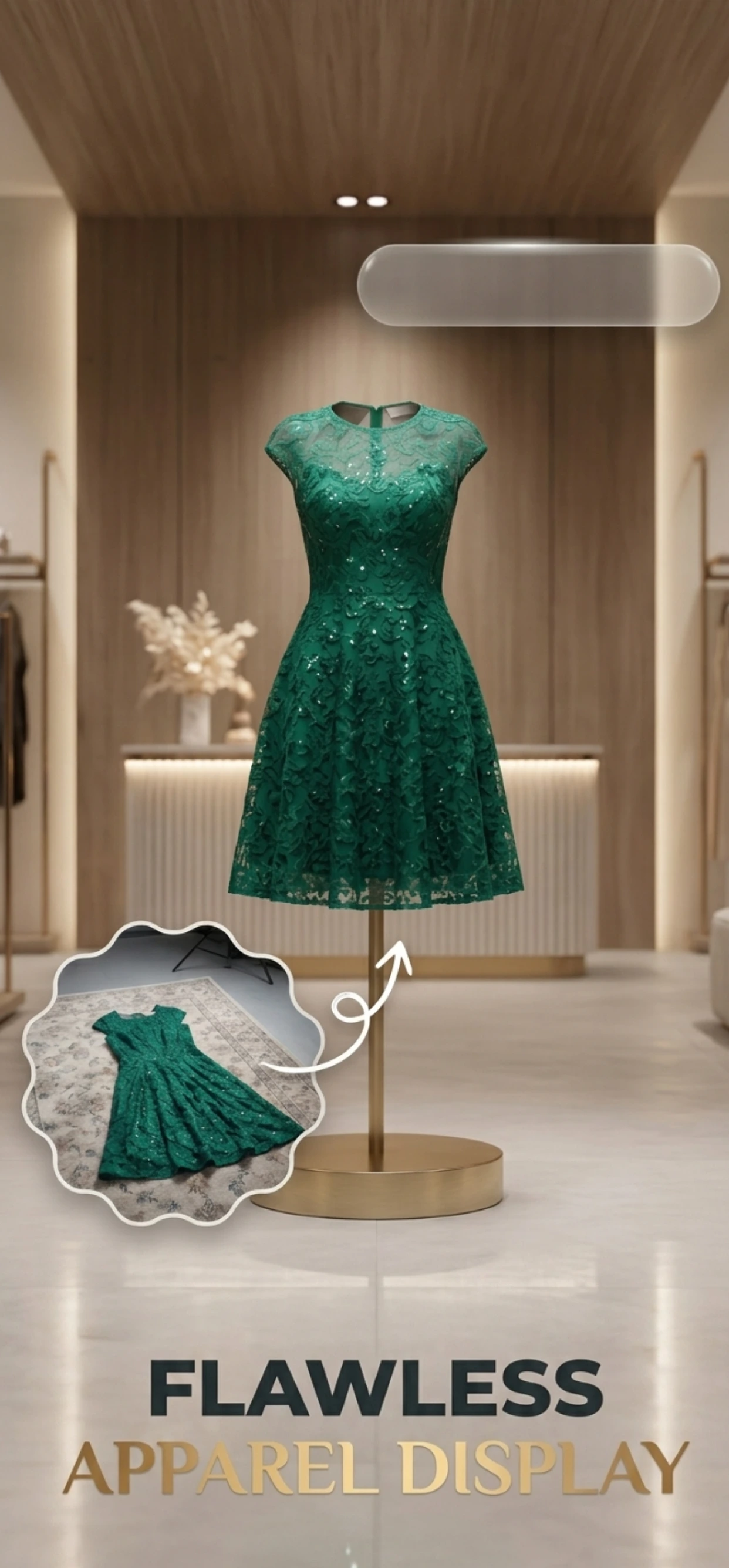
White-background cut-outs perform badly on social, because they look like advertisements. What performs is context: the product on a surface, in a hand, on a shelf, in a room — an image the viewer can imagine themselves in.
That is why the same product needs two treatments. The white version belongs on the marketplace, where the grid is white and clarity wins; the styled version belongs on social, where stopping a scroll is the only job.
- Styled scenes, not white cut-outs, in feeds.
- One product per image; collages do not get saved.
- A human element — a hand, a shoulder — for scale and warmth.
- Keep the palette tight so a grid looks like a brand.
One shoot, every channel
Zenith AI – Product Photo generates the scene, so the social version of a product image costs one more export rather than another shoot. Shoot the product once on a plain surface, generate a white version for the marketplace and a styled version for social, and export each at the crop the platform wants.
For a catalogue of any size, that is the difference between social being a separate job and social being a by-product of the photography you were already doing.
How it works
Three steps from a phone photo to a finished image
Scan or upload
Take a photo in the app, or pick one you already shot on your iPhone.
Let the AI work
The app removes the background, relights the product and builds the scene.
Export and list
Save a marketplace-ready image at the size your listing needs.
FAQ
Frequently asked questions
What size should a product photo be for social media?
Square at 1080 x 1080 for feed posts, 1080 x 1350 for portrait posts, 1080 x 1920 for Reels and TikTok, and 1000 x 1500 for Pinterest. Shoot with margin so all of them can be cropped from one original.
Should social product photos have a white background?
Usually not. White backgrounds read as advertising and underperform in a feed. Styled scenes and in-context images perform better, while the white version stays on the marketplace where the grid is white.
Can I use the same images on social and my listings?
Yes, from the same shoot, but with different crops and backgrounds. Generate both versions from one original so the product looks identical everywhere it appears.
How often should I post product photos?
As often as you have something new to show. The useful habit is to photograph each product once and generate a set of scenes from it, so a single shoot supplies weeks of posts without repeating the same image.
Try it on your next photo
Free to download on the App Store. iPhone and iPad only.