
 Comparisons
What to look for in an AI product photo app
Every product photo app claims the same three things. Here is how to tell them apart, and the tests that expose the differences in five minutes.
Judge the edges, not the hero image
App store screenshots are chosen because the product cuts out cleanly. Your product will not be so obliging: it will be white on white, or have fur, netting, a transparent component, or a thin strap. The edge is where the tools differ, and it is the first thing to test.
Run one hard case through any app before you pay for it. A glass bottle, a light-coloured product on a light background, or anything with fine detail. If the edges survive that, they will survive your catalogue.
- Test a light product on a light background — the hardest case.
- Test something with a fine edge: fur, netting, a strap, glass.
- Zoom to 100% and look at the outline, not the thumbnail.
- Check whether a contact shadow survives the cut-out.
The features that change your week
Most of the feature list is noise. The things that actually change how long a catalogue takes are the export sizes, the consistency of the output, and whether the app handles a batch the same way every time.
- Exports at marketplace sizes: square 1000 px+, plus portrait crops.
- Background options: white, transparent, and generated scenes.
- Consistent output across a batch, so a grid looks deliberate.
- Relighting, not just cutting out — the light is what makes it look professional.
- An iPhone-only workflow, if you shoot on a phone and edit on the same device.
What Zenith does, and what it does not
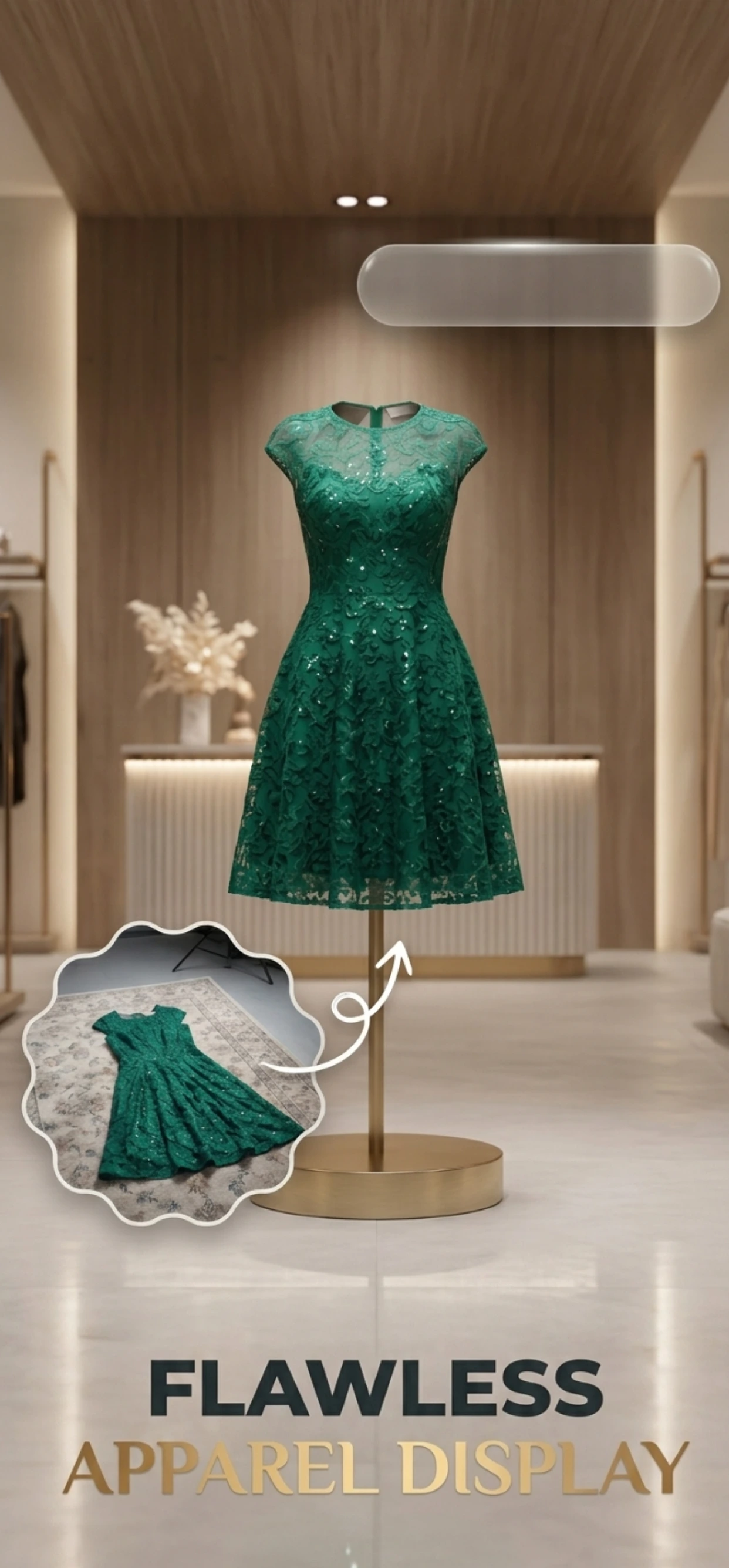
Zenith AI – Product Photo removes the background, relights the product and generates a new scene — white, transparent or a described background — then exports at the sizes each marketplace wants. It runs on iPhone and iPad, and the images stay yours.
It is not a full retouching suite, and it does not repair a bad original: if the photo is blurry, badly lit or the product is out of focus, the output inherits that. The app is designed for the seller who has a decent phone photo and needs it to be listing-ready.
How it works
Three steps from a phone photo to a finished image
Scan or upload
Take a photo in the app, or pick one you already shot on your iPhone.
Let the AI work
The app removes the background, relights the product and builds the scene.
Export and list
Save a marketplace-ready image at the size your listing needs.
FAQ
Frequently asked questions
What should I look for in an AI product photo app?
Clean edges on hard cases, relighting rather than plain background removal, exports at marketplace sizes, and consistent output across a batch. Judge it on your own worst-case product, not on its marketing screenshots.
Are AI product photo apps accurate enough for marketplaces?
For the main image requirements — white background, product filling the frame, adequate resolution, no added text — yes. What they must not do is alter the product itself, and a good app leaves the product untouched.
Do I need a subscription or can I pay per image?
Both models exist, and the right choice depends on volume. If you list a few products a month, pay-as-you-go is cheaper; if you process a catalogue, a subscription with a batch workflow pays for itself. Zenith uses credits, so you only pay for what you generate.
Is there a free option?
Zenith AI – Product Photo is free to download, and you pay only for the generations you use. That lets you test it on your own products — including the difficult ones — before committing to anything.
Try it on your next photo
Free to download on the App Store. iPhone and iPad only.