 Feature guides
Professional product photo templates for ecommerce
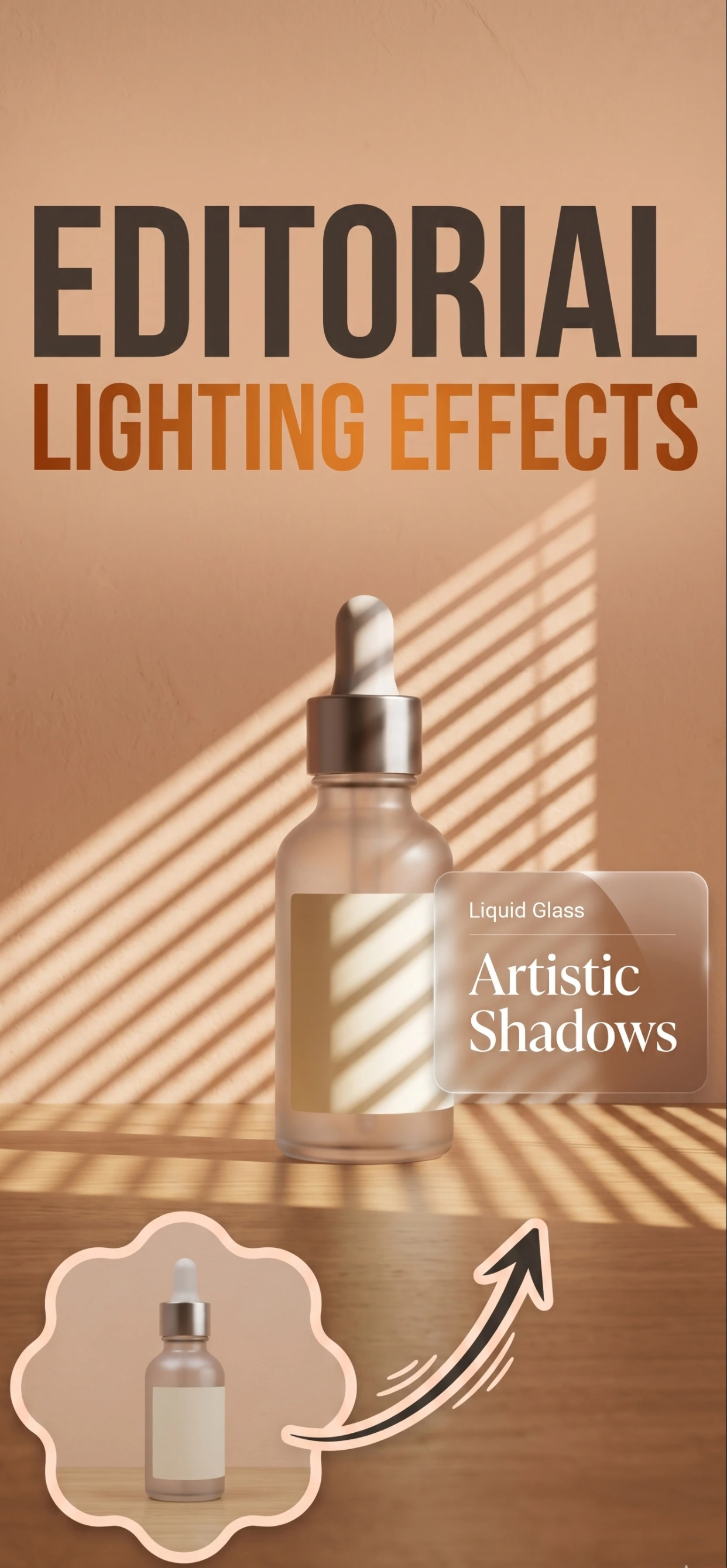
Get ready-to-use product photo templates that meet marketplace requirements. Create consistent, professional product images for Amazon, Shopify, Etsy, and more - all with AI.
Why Use Product Photo Templates?
- Marketplace Ready: Templates meet Amazon, Shopify, Etsy requirements. No more rejected listings.
- Consistent Branding: Create uniform product images across your entire catalog. Professional look every time.
- Fast Processing: Apply templates to multiple products in seconds. Save hours of editing time.
- Mobile Friendly: Create and apply templates right from your iPhone. Work anywhere.
Template Categories
- Amazon Templates: White background templates that meet Amazon's strict image requirements.
- Shopify Templates: Optimized templates for Shopify themes and product pages.
- Etsy Templates: Beautiful templates that help products stand out on Etsy.
- Social Media: Templates for Instagram, Facebook, and Pinterest product images.
How it works
Three steps from a phone photo to a finished image
Scan or upload
Take a photo in the app, or pick one you already shot on your iPhone.
Let the AI work
The app removes the background, relights the product and builds the scene.
Export and list
Save a marketplace-ready image at the size your listing needs.
FAQ
Frequently asked questions
What are product photo templates?
They are reusable scene presets — a surface, a backdrop and a lighting style — so every product in your catalog is photographed in the same look.
Why does a consistent style matter?
A catalog that looks like one shoot builds trust and brand recognition; a catalog of mismatched photos reads as dropshipped or amateur. Templates make consistency the default.
Can I make my own template?
Yes. Set up the scene you like, and reuse the same settings and background description for the rest of the range.
Do templates work for every product type?
Pick a template that suits the product — a jewellery close-up setup is wrong for furniture. The point is one look per category, not one look for everything.
Try it on your next photo
Free to download on the App Store. iPhone and iPad only.