








Technique
How to take product photos with an iPhone
Lighting, angles and the small setup changes that make phone photos look deliberate.
 Zenith AI – Product Photo
Shoot with your iPhone, then let AI handle the white backgrounds, studio lighting, lifestyle scenes and fashion shots that marketplaces expect — in seconds, not studio days.
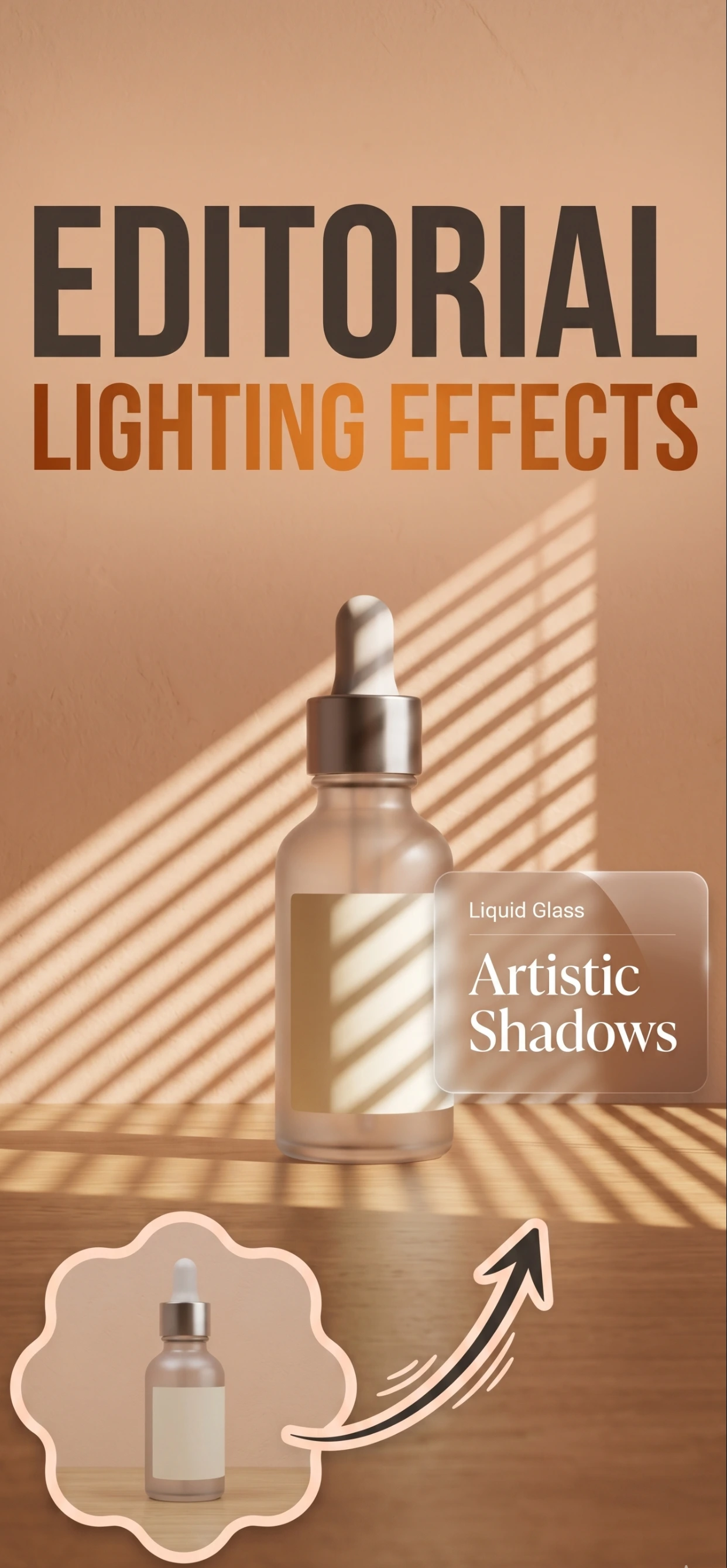
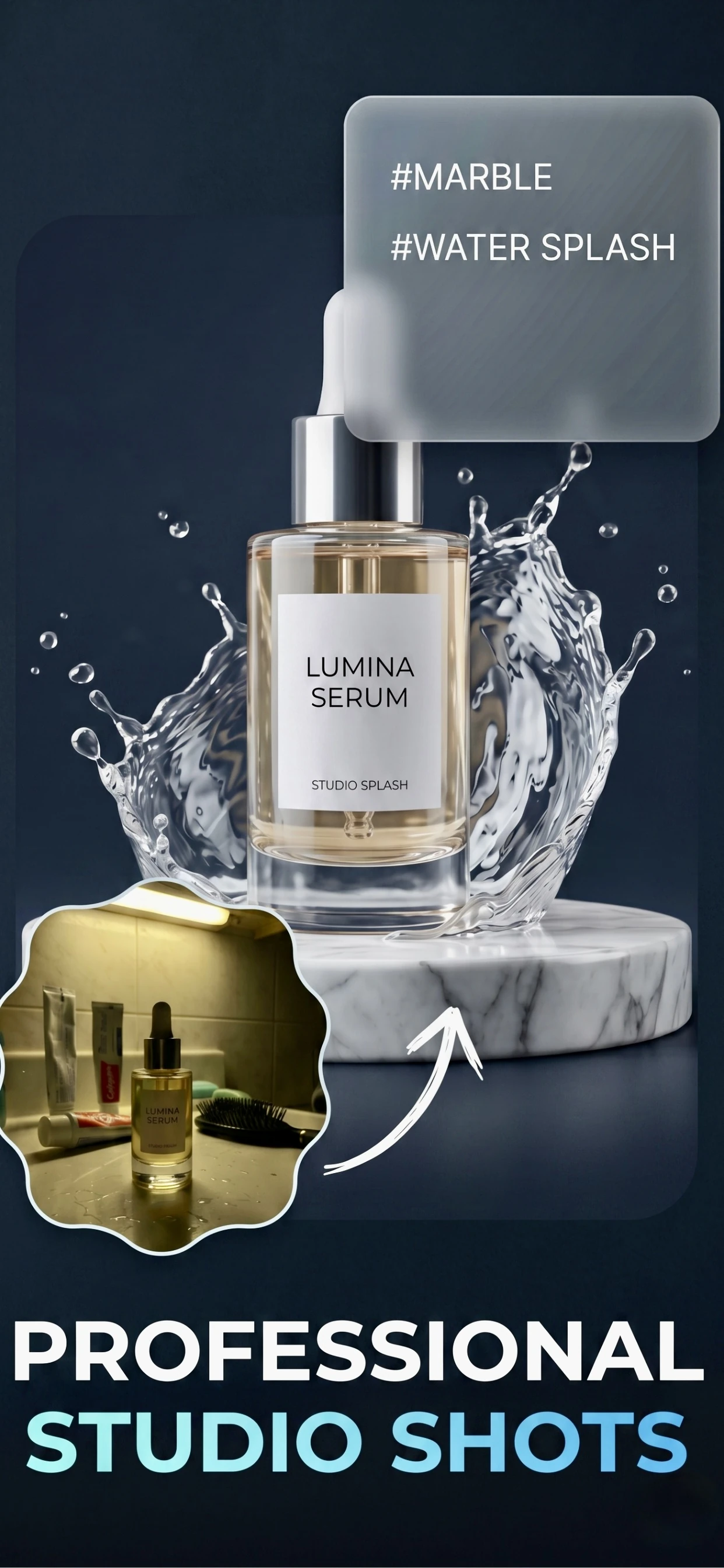
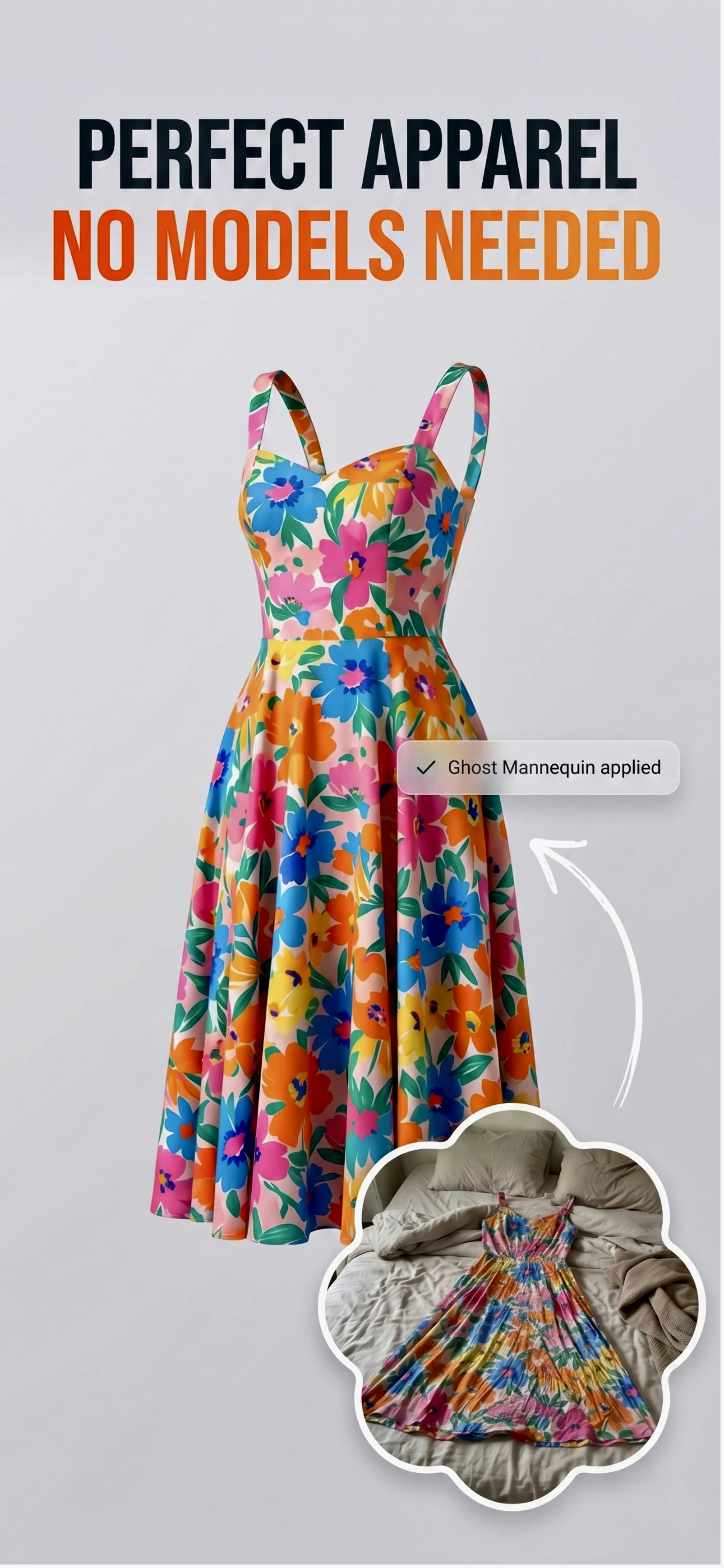
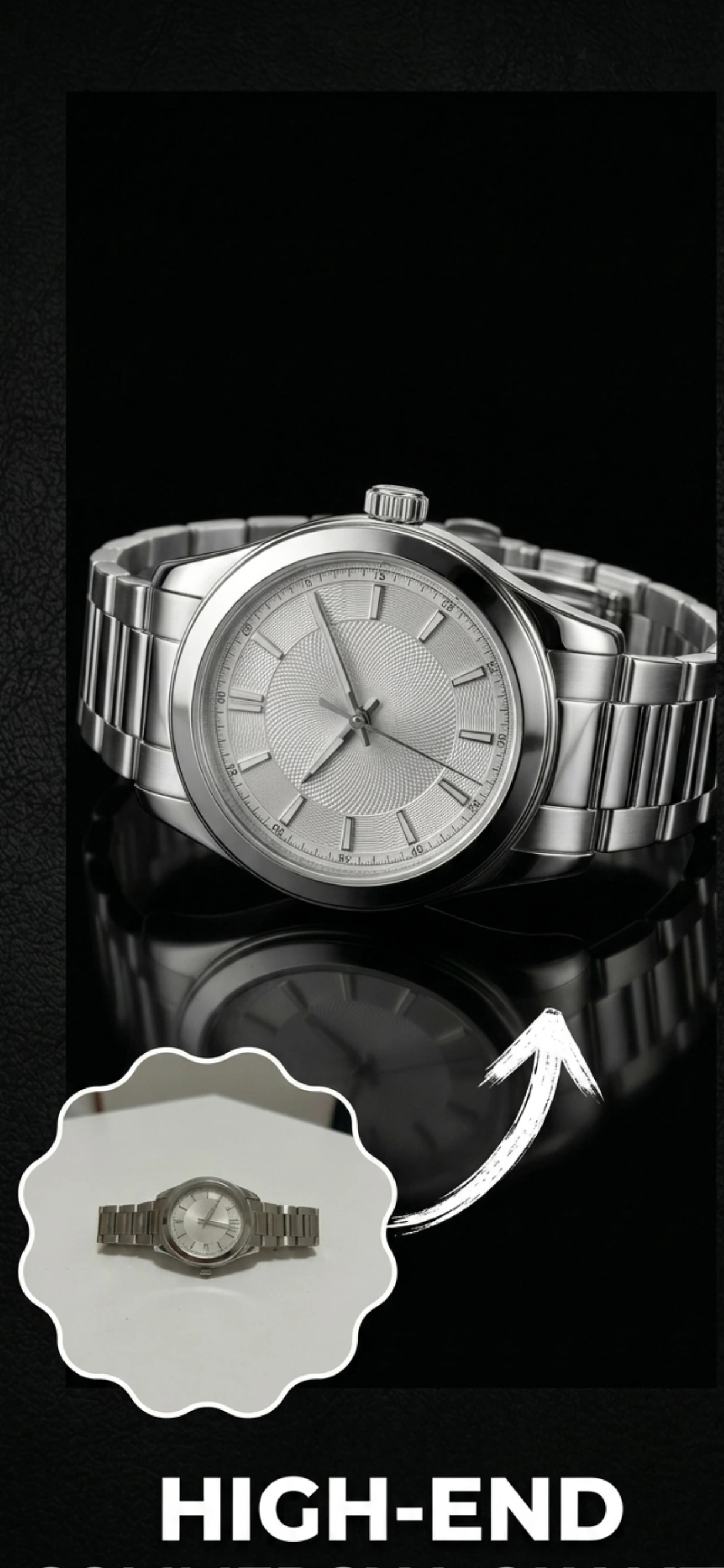
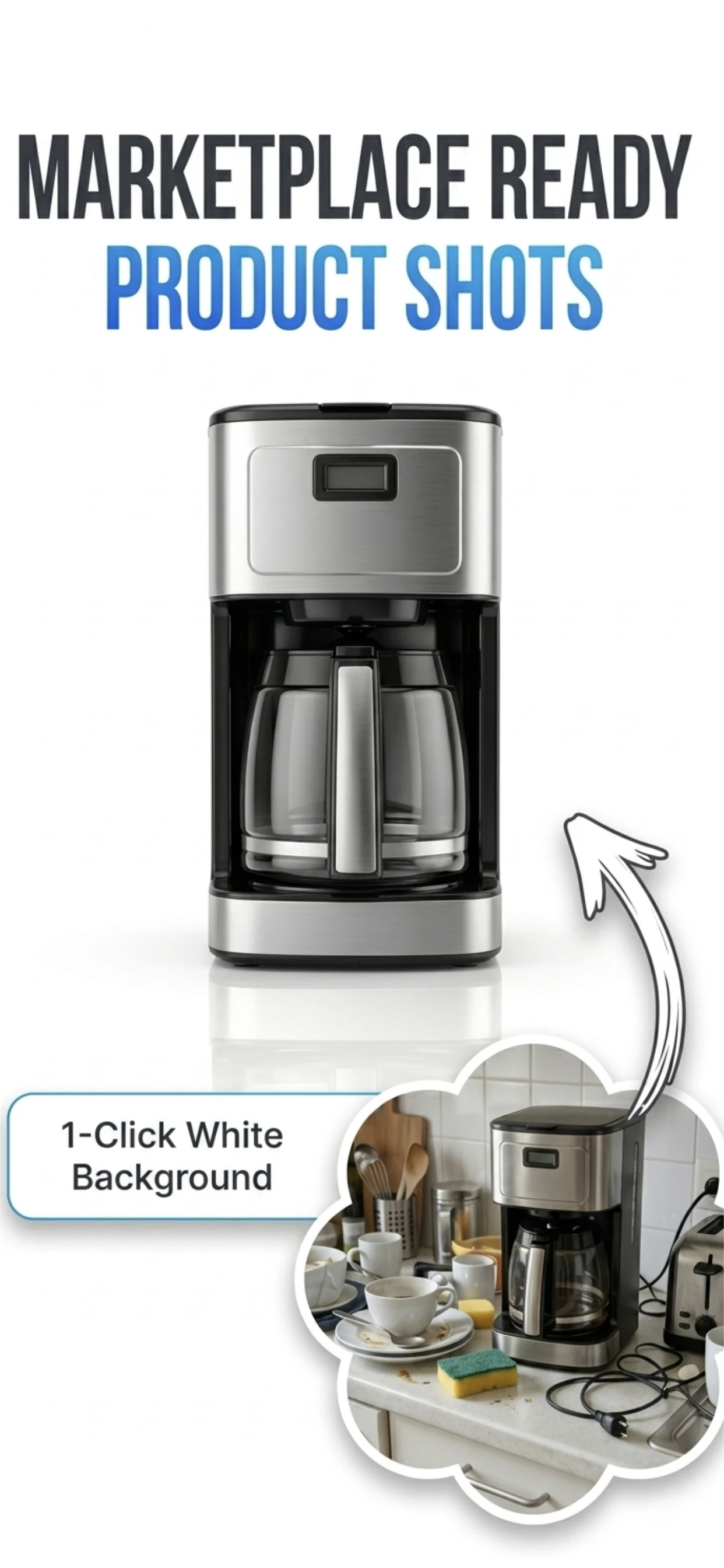
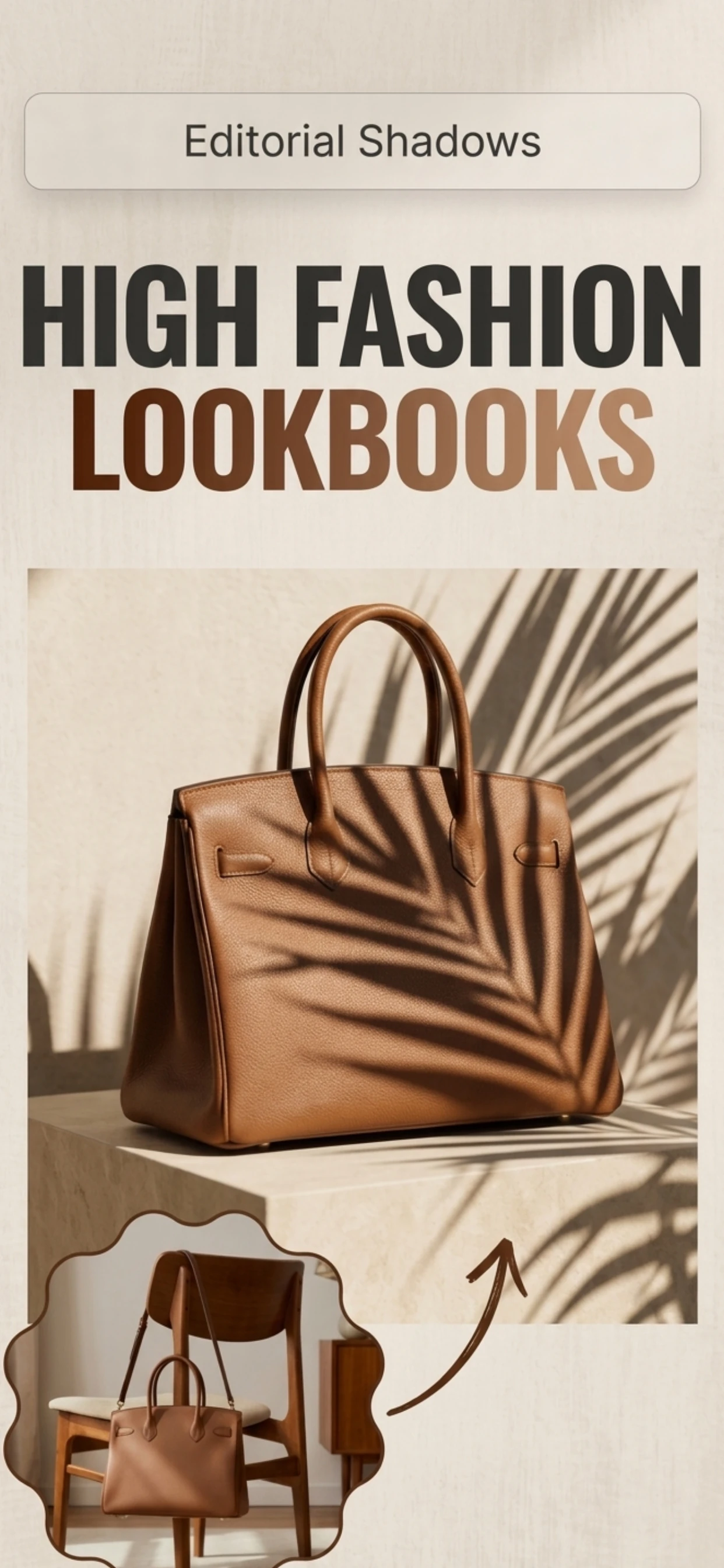
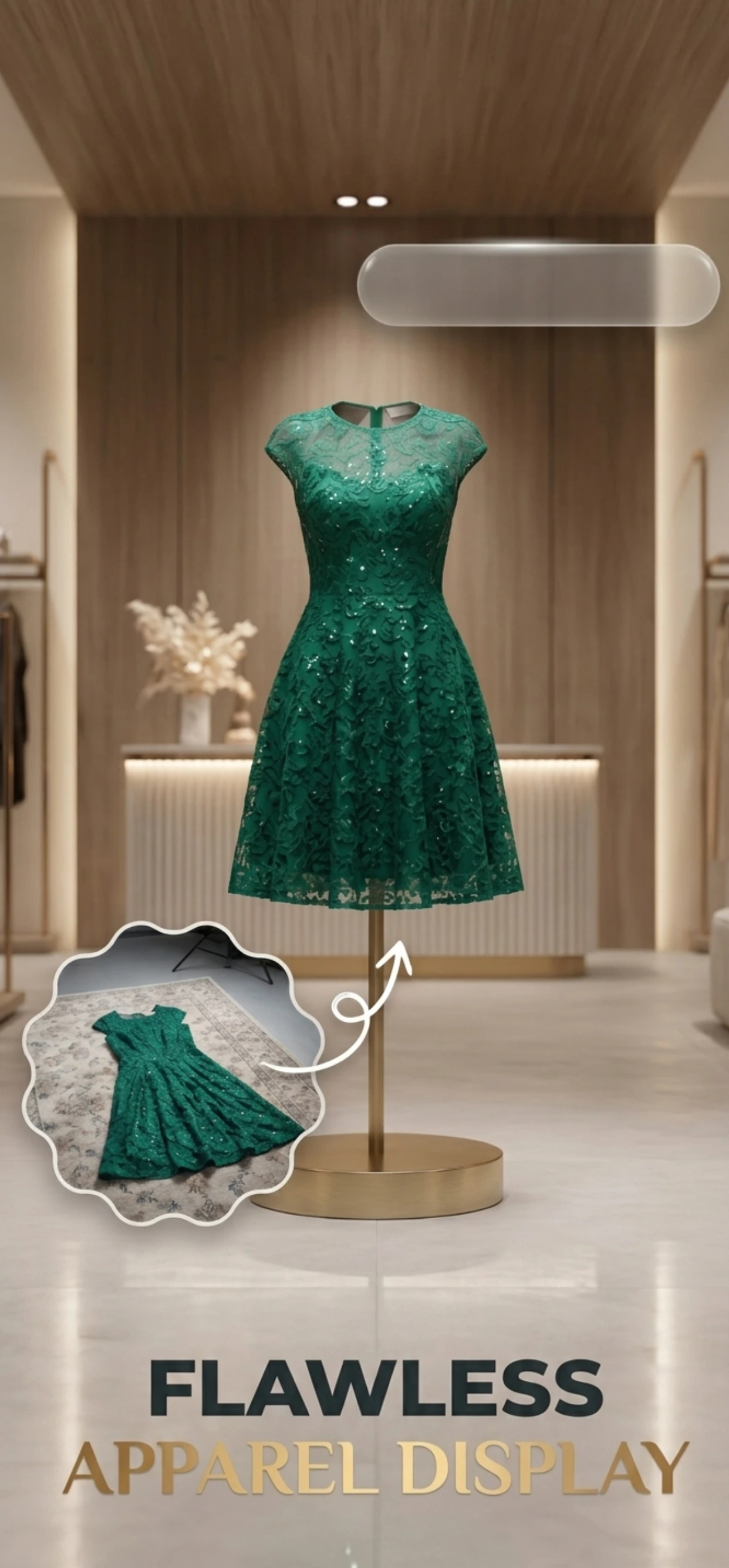
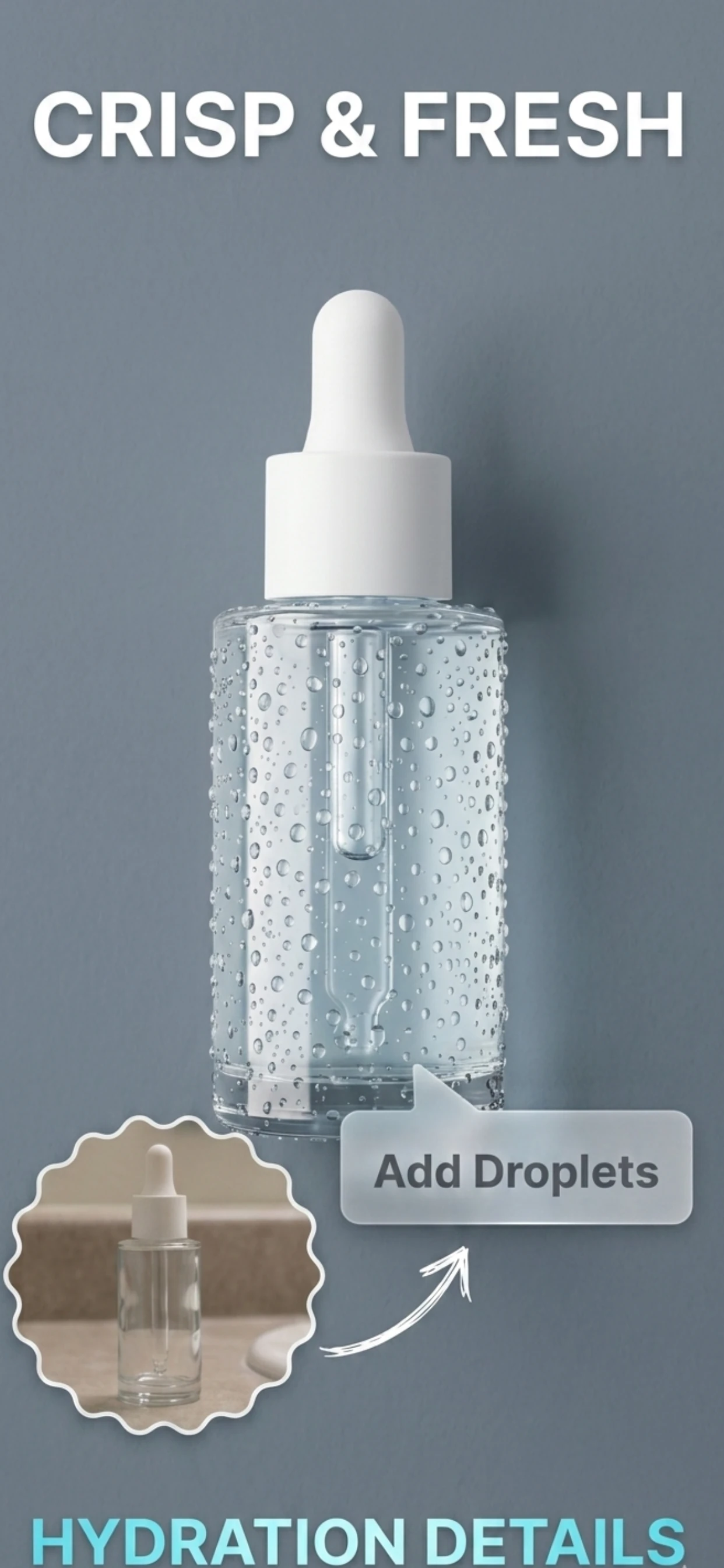
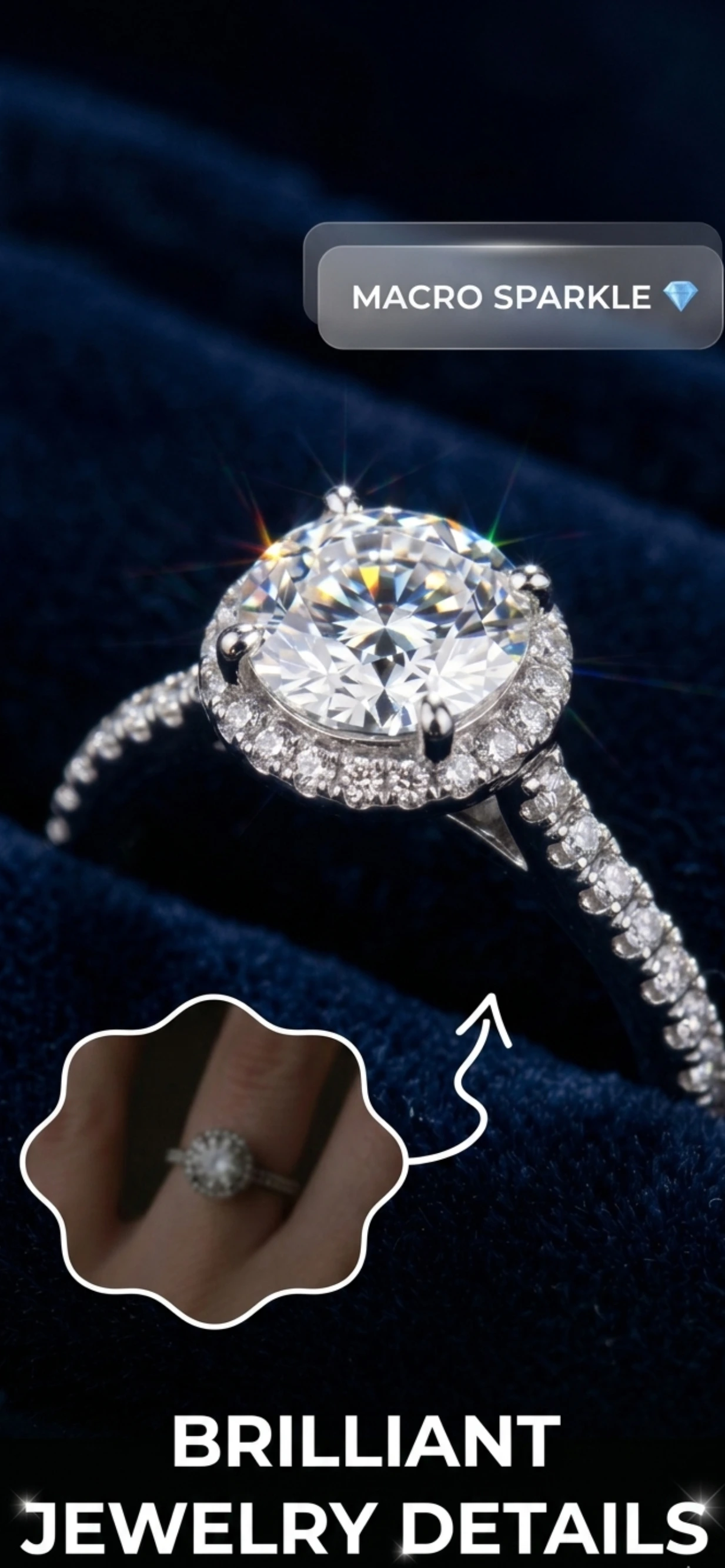
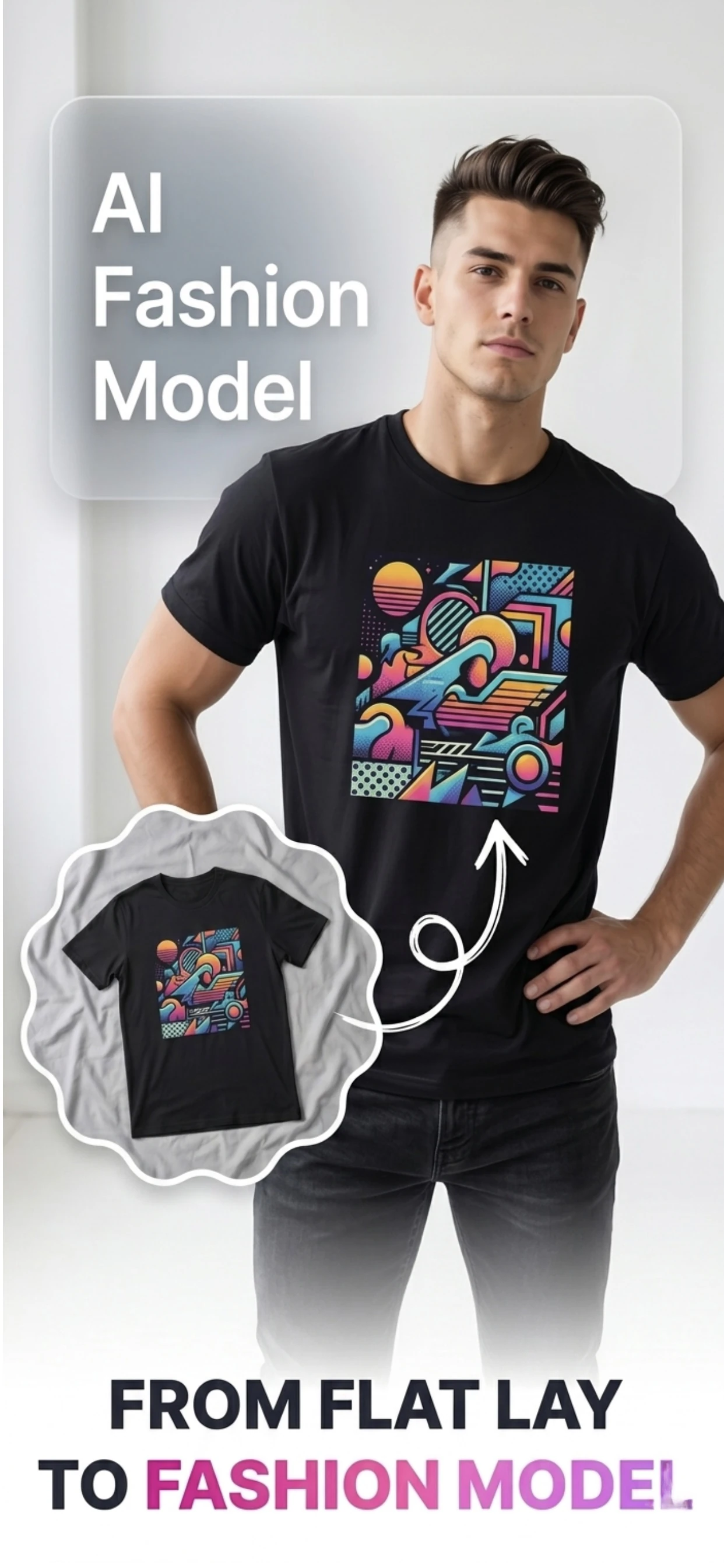
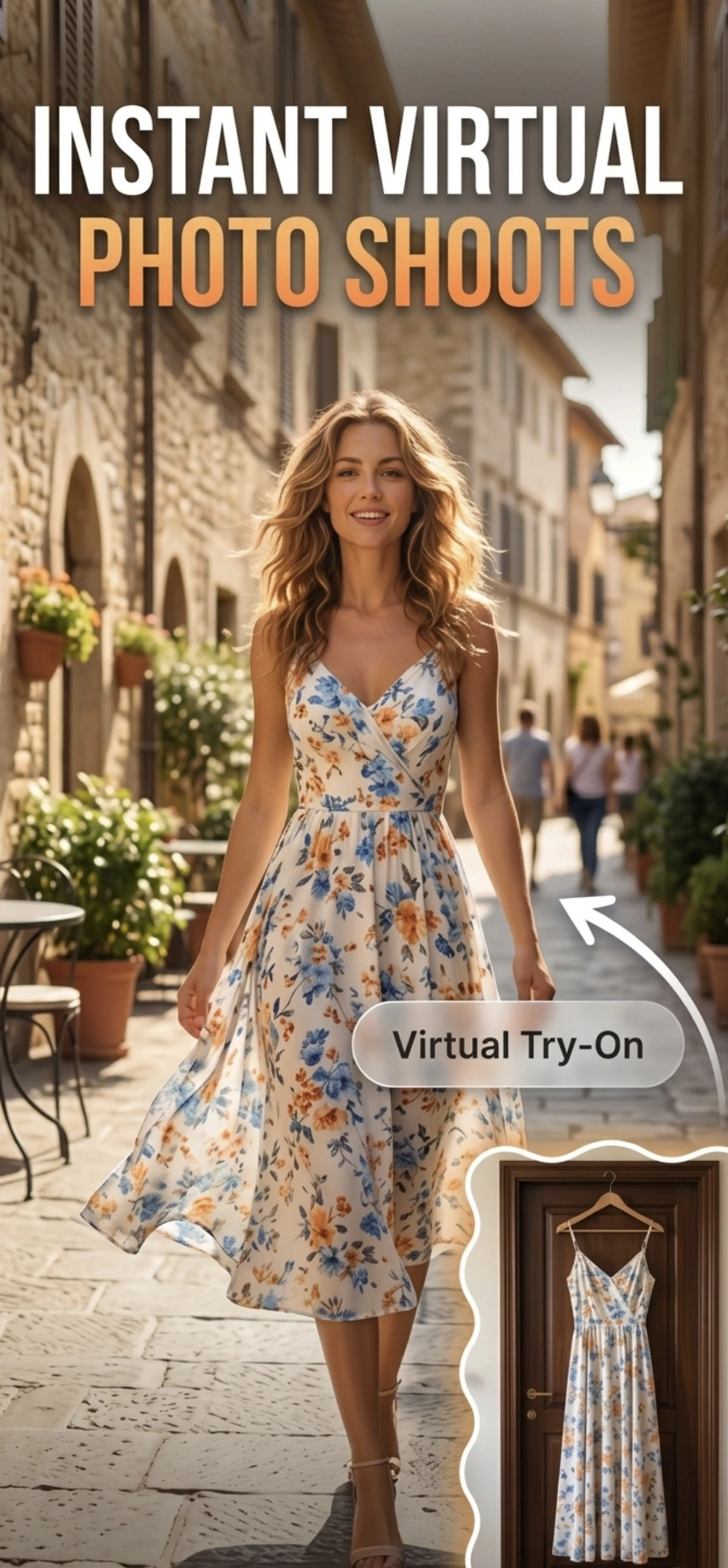
A scrolling wall of before-and-after examples. Each shows a plain phone snapshot beside the finished studio image Zenith AI created from it.
How it works
No lights, no backdrop, no editing software — just your iPhone.
Shoot the product with your iPhone camera or pull an existing photo from your library.
Pick a clean white background, a studio setup, a lifestyle scene, a fashion try-on or the ghost mannequin effect.
Download a marketplace-ready image and drop it straight into your Amazon, Shopify, Etsy or eBay listing.
Features
Each tool below has its own guide so you can go deep on the one you need.
Cut the product out cleanly and drop it on pure white — the standard marketplace thumbnail.
Background removal guideSwap the backdrop for a generated studio set, a marble surface, linen, or any scene you describe.
Background replacement guideRebuild flat, badly-lit phone shots as crisp studio images with professional lighting.
AI product photographyPlace products in believable real-world contexts that tell a story and lift conversion.
See lifestyle scenesShow garments on AI-generated models — the on-model shots fashion buyers expect.
Virtual try-on guideCreate the hollow-garment effect that shows fit and shape without a model in frame.
Ghost mannequin guideRaise resolution, sharpen detail and correct colour so zoomed-in buyers see texture, not mush.
Image upscalerProduce the pure white background Amazon and eBay require, in a single pass.
White background guideReusable scene templates so every product in your catalogue is shot in the same style.
Browse templatesProduct types
From rings and sneakers to cosmetics and electronics — Zenith handles the awkward shapes.
Marketplaces
Follow the guide for your marketplace and get the specs right the first time.
More guides
Every feature has its own walkthrough.
Examples
Real runs of the app, from the source photo to the finished listing image.
Guides
Every cluster of Product Photo pages, one page per question.
Every channel has its own image rules — the size it wants, the background it accepts and the crop it applies. These…
GuidesA diamond and a leather boot need different light. These pages cover one product type each: what it does to a camera…
GuidesEverything between the product and the listing image: light, background, framing, shadow, crop and colour. One…
GuidesA dropshipper, a potter and a wholesale supplier need different things from the same photo. These pages are written for…
GuidesZenith is not the right answer for every product. These pages explain what AI product photography does well, what it…
GuidesFAQ
AI product photography uses machine learning to enhance, edit and re-shoot product images automatically. That covers cutting out the product and replacing the background, generating studio lighting, placing the product in a lifestyle scene, and producing the resolution and framing that marketplaces require — without a studio, a photographer or editing software.
Yes. Zenith AI – Product Photo is built for iPhone and iPad. You take a photo with the camera or import one from your library, choose a look, and the app produces a finished ecommerce image. Modern iPhone cameras capture more than enough detail for marketplace listings.
Zenith AI produces images on clean white backgrounds at high resolution, which is what Amazon, Shopify, Etsy and eBay ask for. As with any image, the product itself must be represented accurately, so check each marketplace's current image policy before publishing. Our Amazon and Shopify guides cover the current specs.
Yes. Background removal is one tap: the app detects the product and returns a clean transparent or white background. You can then keep it plain or replace it with a generated studio or lifestyle scene.
Yes. The app includes virtual fashion try-on and a ghost mannequin workflow, so you can show garments worn by an AI model or in the hollow-garment style fashion retailers use, without hiring a model or booking a studio.
Because the iPhone is already the camera you have. Shooting, editing and exporting in one place removes the transfer step between phone and computer, which is what makes a phone-only product photography workflow fast enough to use every day.
The app is free to download from the App Store. AI generation runs on paid infrastructure, so the app uses a credit system with optional in-app purchases for heavier use. Anything you buy is handled by Apple and can be managed from your Apple ID.
Download Zenith AI – Product Photo on your iPhone or iPad and shoot your first listing image in minutes.
Keep reading
Lighting, angles and the small setup changes that make phone photos look deliberate.

The image specs Amazon actually enforces, and how to hit them from your phone.

Tiny, shiny and hard to light — here is the workflow that works on a phone.