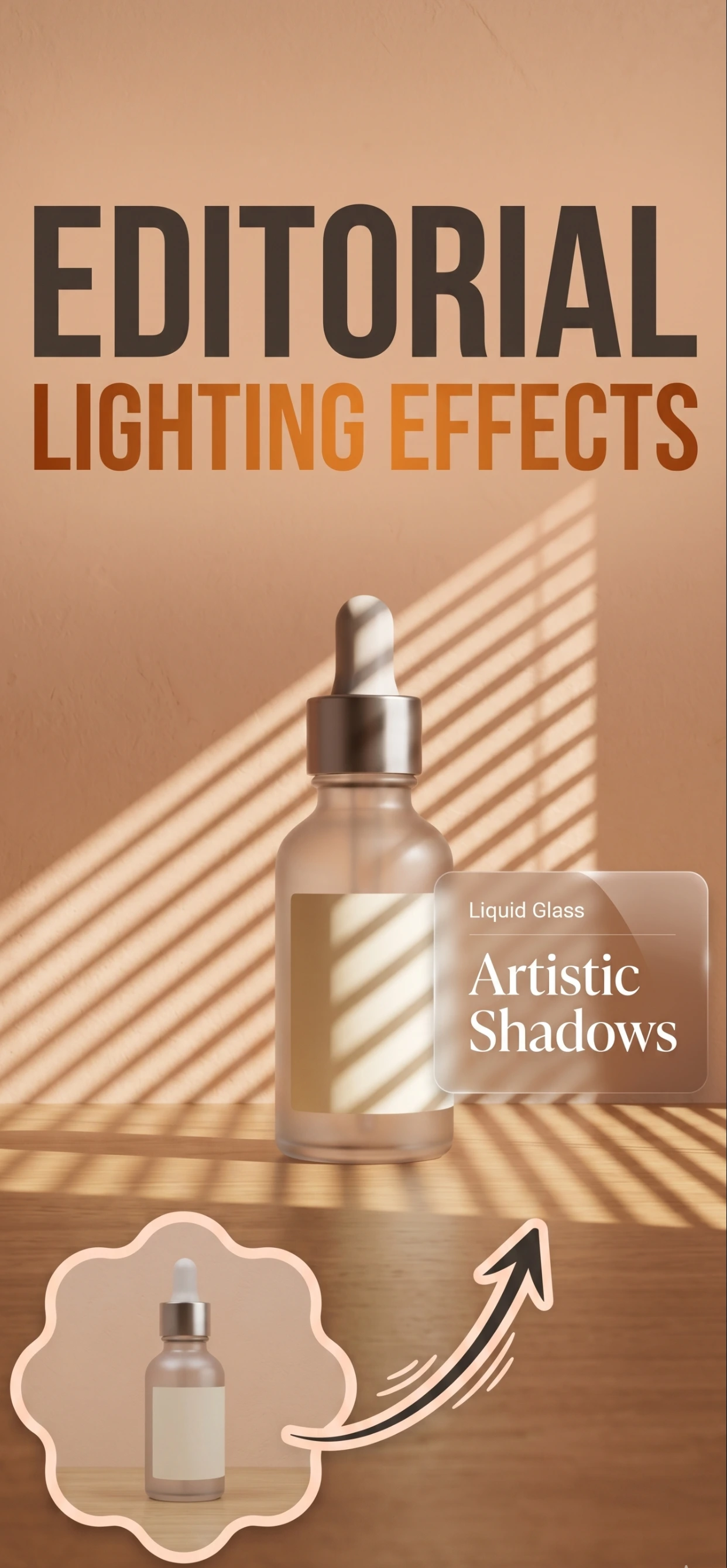
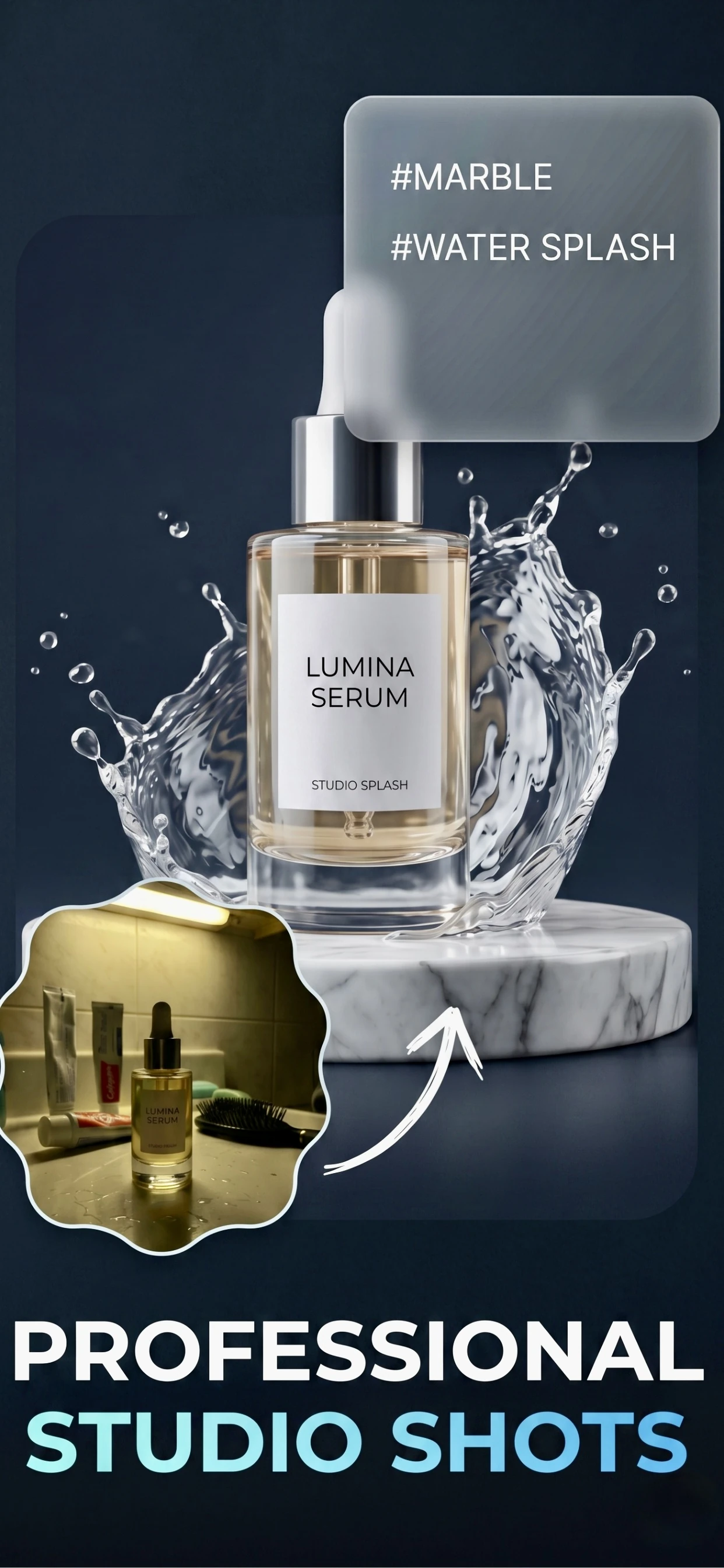

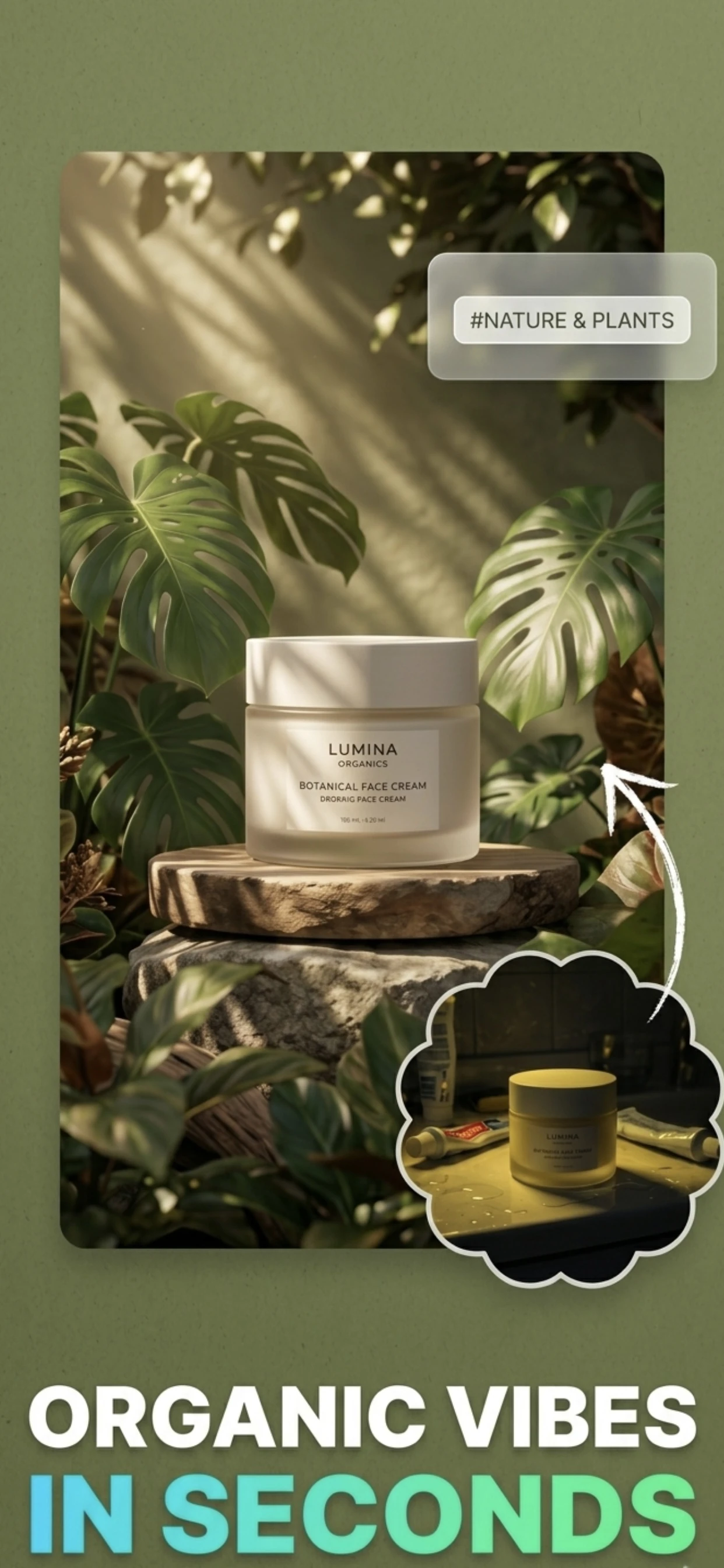
Transform ordinary jewelry photos into professional ecommerce images. Remove backgrounds, create lifestyle scenes, and showcase your jewelry beautifully—all on your iPhone.
Instantly remove cluttered backgrounds from jewelry photos. Get clean, white backgrounds that meet marketplace requirements.
Improve lighting and highlight intricate details of rings, necklaces, and bracelets automatically.
Place jewelry in elegant AI-generated settings—velvet displays, marble surfaces, or lifestyle contexts.
No professional camera needed. Take photos with your iPhone and let AI do the rest.
Yes. Modern AI can remove backgrounds, enhance lighting, and even place jewelry in elegant settings. The key is using clear, well-lit original photos for best results.
Use natural light near a window, place jewelry on a clean surface, and take multiple shots. Then import into Zenith AI for professional enhancement and background removal.
Absolutely. Zenith AI creates images that meet Etsy's quality standards and help your jewelry listings stand out in search results.
Zenith AI's background removal feature instantly detects and removes backgrounds, leaving you with clean white or transparent backgrounds perfect for any ecommerce platform.
Download Zenith AI and transform your jewelry photography.
Download on the App Store Watch on TikTok