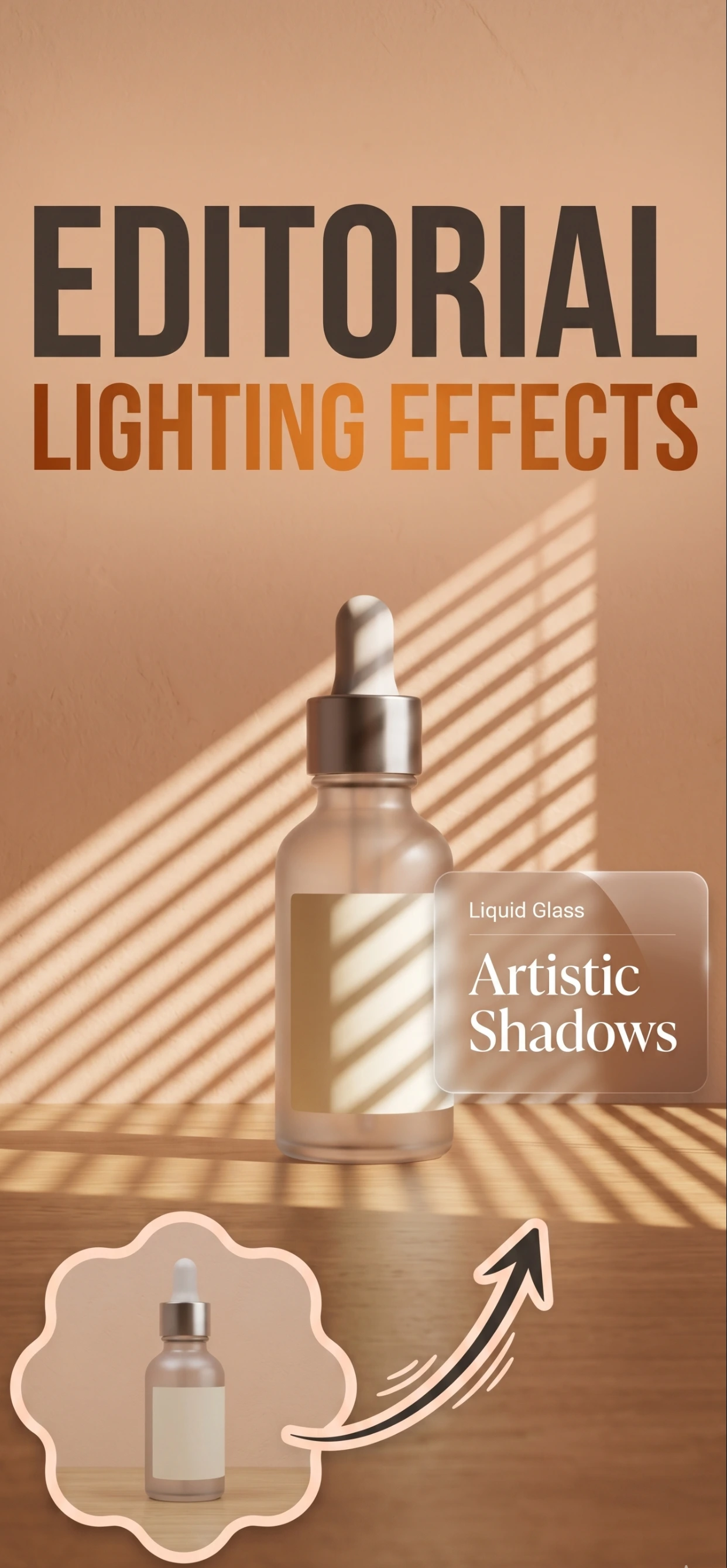
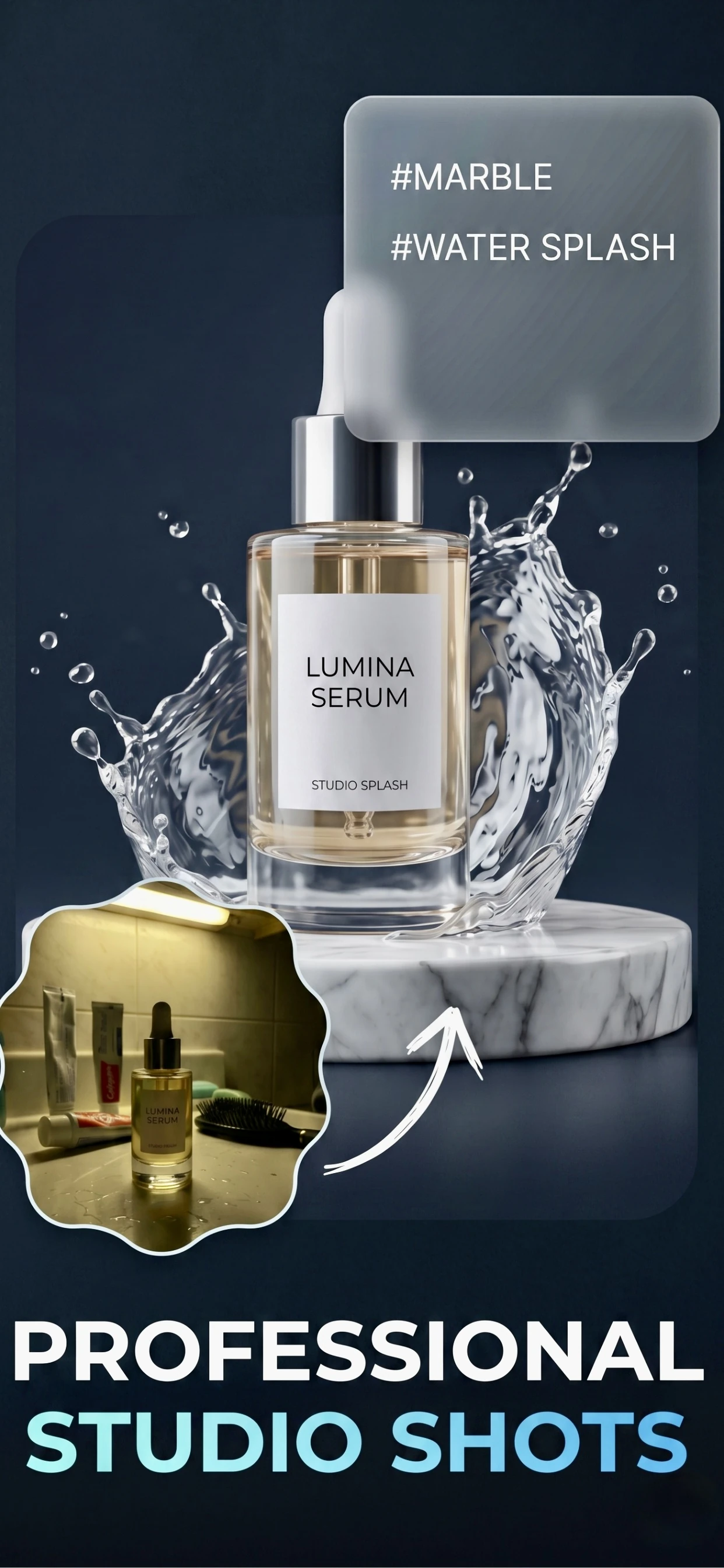

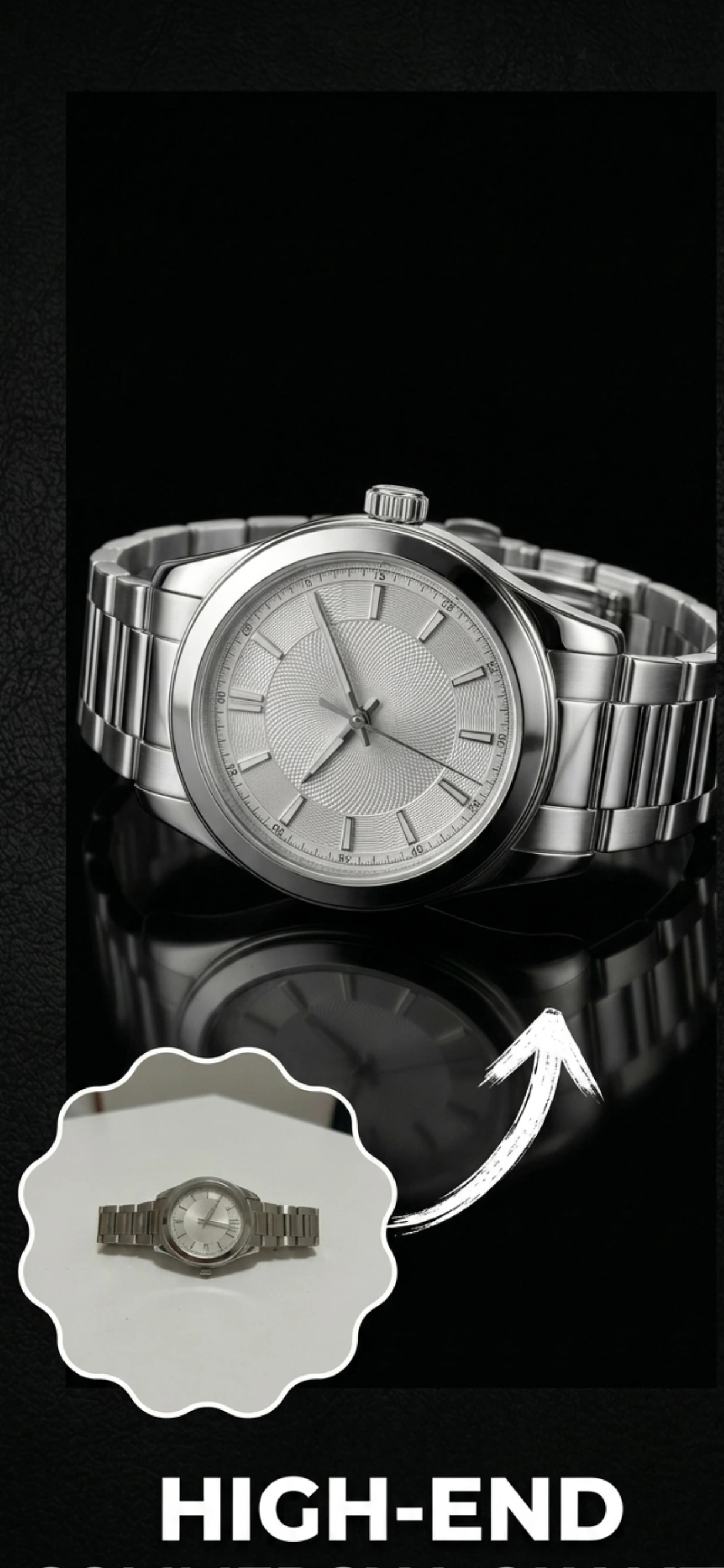
Use our AI Background Remover to instantly remove backgrounds from any photo. Get clean white or transparent backgrounds in seconds. Perfect for product photos, portraits, and creative visuals.
Remove backgrounds in seconds using AI. Our automated background remover processes your images faster than manual editing tools.
AI detects edges precisely, even for complex products like jewelry, hair, and intricate items. Get clean cutouts every time.
Choose white backgrounds for marketplaces or transparent backgrounds for creative projects. Both options available free.
Access AI background removal on your iPhone. No computer needed - remove backgrounds on the go.
Create professional product photos with white backgrounds for Amazon, Shopify, Etsy, and more.
Remove backgrounds from portrait photos for professional profiles, resumes, and social media.
Create transparent backgrounds for logos, stickers, graphics, and digital art projects.
Clean up property photos by removing distracting backgrounds and clutter.
Yes! Our AI background remover is free to use. Remove backgrounds from photos instantly without paying anything.
Our AI uses advanced computer vision to detect the subject in your photo and separate it from the background. It then removes the background and gives you a clean cutout with transparent or white background.
Our AI works best with clear, well-lit photos. It handles most subjects including products, people, animals, and objects. For best results, use photos with clear contrast between subject and background.
You can choose white background (perfect for ecommerce) or transparent background (perfect for logos and graphics). Both options are free.
For most users, our AI background remover is faster and easier than Photoshop. It's specifically trained on product images and produces excellent results automatically - no skills required.
Try our free AI Background Remover on your iPhone.
Download on the App Store Watch on TikTok