
 Feature guides
Remove background from photos with AI
Use our AI Background Remover to instantly remove backgrounds from any photo. Get clean white or transparent backgrounds in seconds. Perfect for product photos, portraits, and creative visuals.
Why Use AI Background Remover?
- Instant Results: Remove backgrounds in seconds using AI. Our automated background remover processes your images faster than manual editing tools.
- Accurate Edges: AI detects edges precisely, even for complex products like jewelry, hair, and intricate items. Get clean cutouts every time.
- White or Transparent: Choose white backgrounds for marketplaces or transparent backgrounds for creative projects. Both options available free.
- Use Anywhere: Access AI background removal on your iPhone. No computer needed - remove backgrounds on the go.
Perfect for Every Use Case
- Ecommerce Products: Create professional product photos with white backgrounds for Amazon, Shopify, Etsy, and more.
- Portraits & Headshots: Remove backgrounds from portrait photos for professional profiles, resumes, and social media.
- Creative Projects: Create transparent backgrounds for logos, stickers, graphics, and digital art projects.
- Real Estate Photos: Clean up property photos by removing distracting backgrounds and clutter.
How it works
Three steps from a phone photo to a finished image
Scan or upload
Take a photo in the app, or pick one you already shot on your iPhone.
Let the AI work
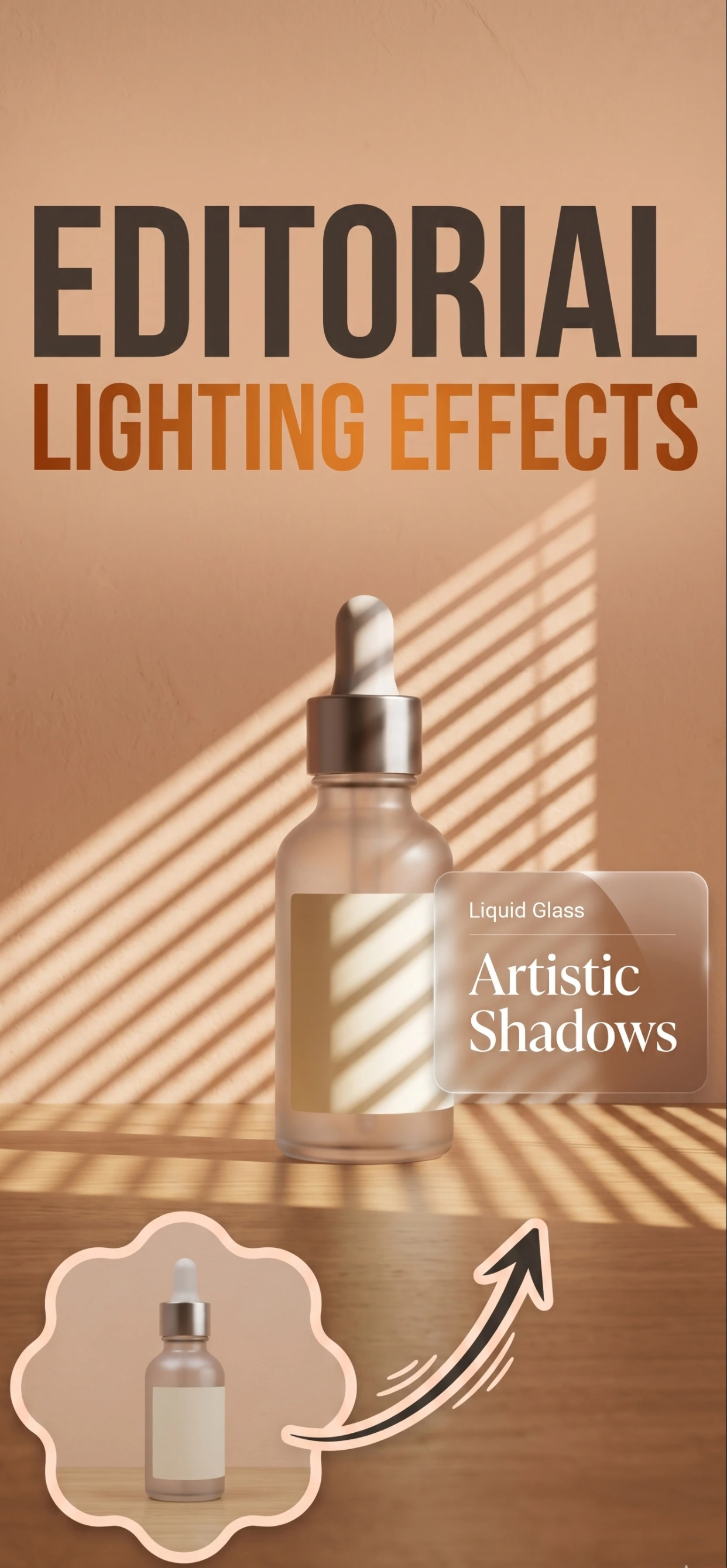
The app removes the background, relights the product and builds the scene.
Export and list
Save a marketplace-ready image at the size your listing needs.
FAQ
Frequently asked questions
What is an AI background remover?
It detects the product in a photo, cuts it out, and returns a clean transparent or white background — the starting point for white-background listing images and composited scenes.
How accurate is automatic background removal?
On a clear, well-lit photo it is very accurate, including tricky edges like hair, fur and fine straps. Difficult cases — transparent objects, heavy shadows, reflective surfaces — may need a cleaner source shot.
What do I do with the cut-out product?
Anything: drop it on pure white for Amazon, keep the transparent PNG for a design, or place it into a generated studio or lifestyle scene.
Is background removal enough for a listing image?
It is the first step. A listing image also needs consistent lighting, correct colour and the right size — which is why the full flow removes, relights and exports in one pass.
Try it on your next photo
Free to download on the App Store. iPhone and iPad only.