
 Comparisons
AI product photos vs a professional photographer
A photographer brings a set, a stylist and a decision about what the image should say. An app brings speed and consistency. Most sellers need both, for different images.
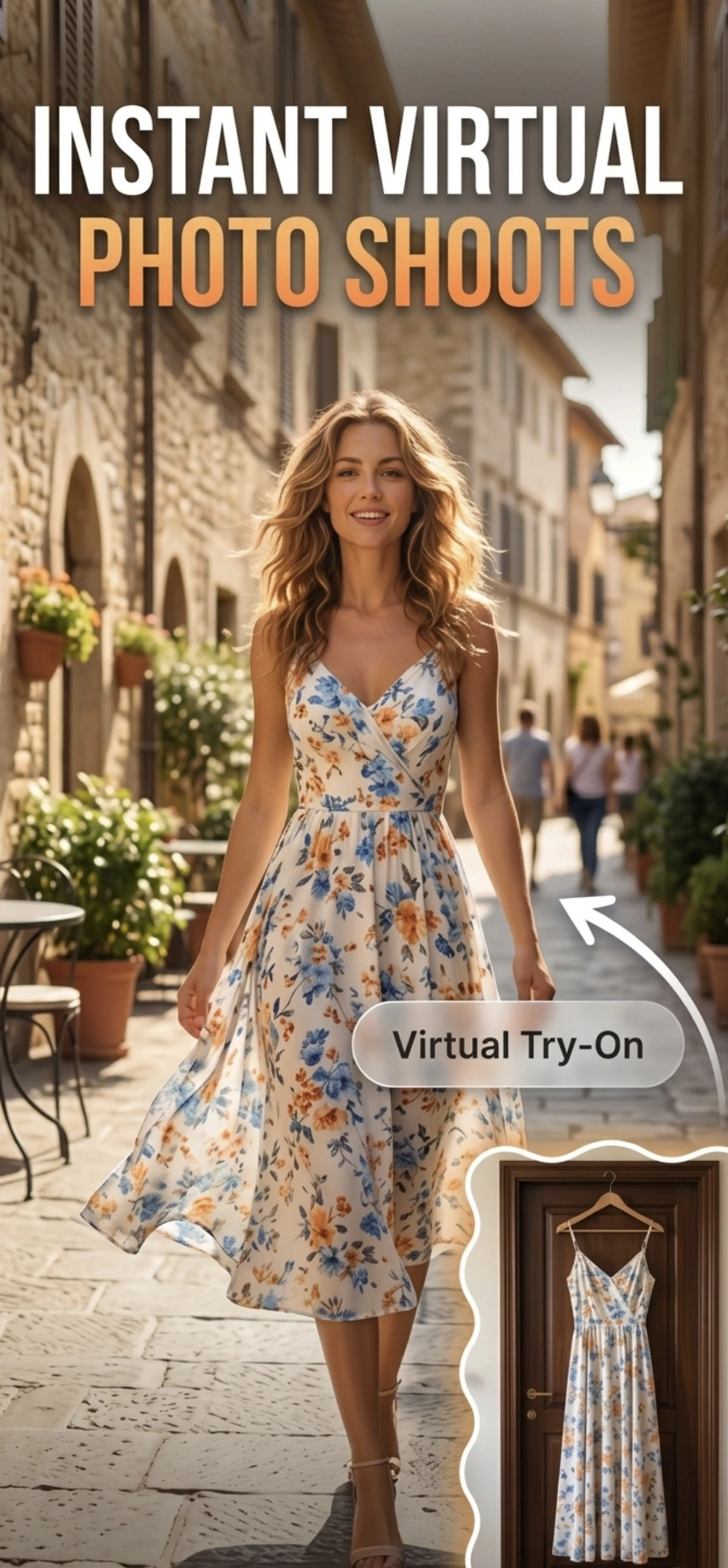
What a photographer actually provides
The value of a product photographer is not the camera. It is the set, the lighting, the styling and the judgement about what the image should communicate. For a campaign image, a packaging shot or a lifestyle scene with a model, that judgement is the product.
It also produces things an app cannot: a styled scene with a real person in it, a set built for a specific product, and the ability to direct the shoot as it happens.
- A built set and controlled lighting for a specific product.
- Styling: props, surfaces, wardrobe, models.
- Art direction: the image has a point of view.
- Large or awkward products that will not fit on a table.
What an app does that a photographer will not
A photographer will not re-shoot your catalogue every time a product changes, and they will not produce two hundred consistent images at a price a small shop can pay. That is the gap an app fills: the catalogue, shot in-house, updated as stock changes.
The requirement for a marketplace main image is deliberately plain — the product, cleanly lit, on white, filling the frame — and that is a job an automated tool does reliably and cheaply.
- Catalogue images at a per-product cost near zero.
- Updates when packaging or stock changes.
- Consistency across hundreds of products.
- No scheduling, no set, no minimum spend.
Splitting the work
The pattern that works for most small sellers: book a photographer once for the hero images — the campaign shot, the packaging, the range shot with everything together — and produce the catalogue in-house with a fixed setup and Zenith AI – Product Photo.
That keeps the expensive skill on the images where art direction changes the outcome, and the cheap, repeatable process on the images that only need to be accurate and consistent.
How it works
Three steps from a phone photo to a finished image
Scan or upload
Take a photo in the app, or pick one you already shot on your iPhone.
Let the AI work
The app removes the background, relights the product and builds the scene.
Export and list
Save a marketplace-ready image at the size your listing needs.
FAQ
Frequently asked questions
Do I still need a product photographer if I use AI?
For campaign and lifestyle images, usually yes — a photographer provides the set, the styling and the art direction that an app cannot. For the catalogue, no: consistent listing images are a repeatable process, not a creative one.
How much does product photography cost compared with an app?
Photographers charge per image or per day, which is why most small shops shoot a catalogue once a year. An app charges per generation, which is why shops using one shoot continuously. The right answer is usually both, for different images.
Can AI replace product photography entirely?
No. It replaces the mechanical part — background, light, crop, export — and does it faster and more consistently than a person. It cannot build a set, style a scene or direct a shoot, and those are what a campaign image is made of.
Which images should I shoot myself?
The catalogue: every product, from a fixed setup, on white, for listings and search. Those images are judged on accuracy and consistency, and both are easier to achieve in-house.
Try it on your next photo
Free to download on the App Store. iPhone and iPad only.