
 Comparisons
AI product photos for advertising
Paid social eats creative. The constraint is not one good image, it is twenty variations that are all accurate — and none of them making a claim you cannot support.
Why ads need more images than a listing
A marketplace listing needs one accurate main image and a handful of supporting ones. A paid social campaign needs a stream of variations, because creative fatigue sets in within days and the platform rewards novelty.
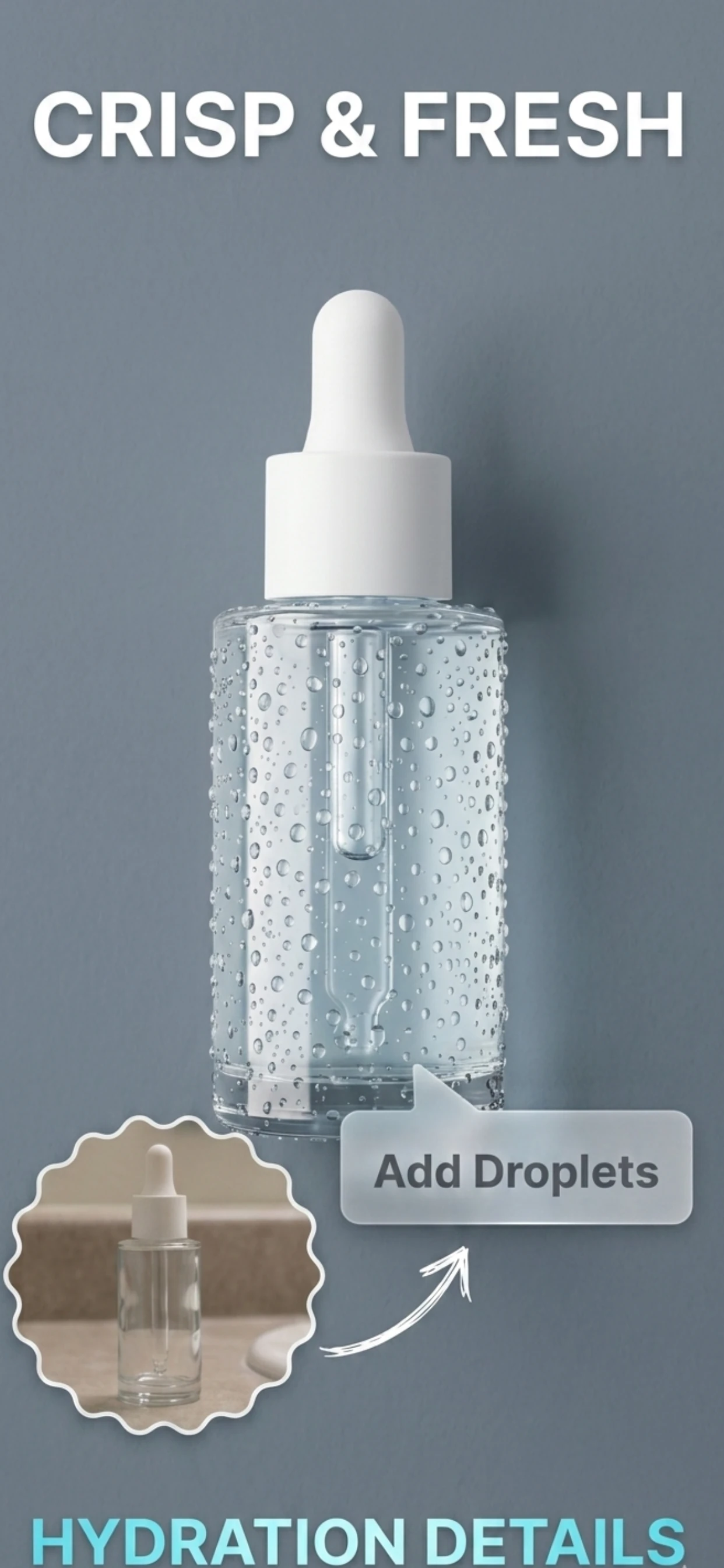
Producing that from a catalogue means the product stays the same and the context changes: a new background, a new crop, a new setting. That is exactly the operation an AI product photo app performs, which is why ad teams use them for volume.
- One product, many backgrounds: kitchen, desk, outdoors, studio.
- Multiple crops: square for feed, vertical for stories and Reels.
- Different colourways of the scene, not of the product.
- Refresh weekly rather than re-shoot monthly.
The rules an ad image still has to follow
Advertising has stricter honesty rules than a listing. The product in the image has to be the product being sold, the claim in the copy has to be supportable, and the image must not imply a result, an endorsement or a comparison that is not true.
The common failures are subtle: a 'before and after' where the before is staged, a scene implying clinical or professional endorsement, or a scale that makes a small product look large. All three are avoidable and all three cause problems with the platform and with customers.
- The product shown must match what ships.
- No implied endorsement — no clinics, no lab coats, no badges.
- No before-and-after implying a guaranteed result.
- Scale must be believable; include a reference when size matters.
Producing ad creative at volume
Zenith AI – Product Photo removes the background, relights the product and generates a new scene, so a catalogue of forty products can produce a few hundred ad-ready images with the product unchanged and the context varied.
Keep the generated scenes plausible — a place the product could actually be — and the creative stays honest while the variations keep the auction fed.
How it works
Three steps from a phone photo to a finished image
Scan or upload
Take a photo in the app, or pick one you already shot on your iPhone.
Let the AI work
The app removes the background, relights the product and builds the scene.
Export and list
Save a marketplace-ready image at the size your listing needs.
FAQ
Frequently asked questions
Can I use AI product photos in paid ads?
Yes, provided the product in the image is the product being sold, the scale is honest, and the copy does not claim more than the product delivers. Changing the background and the light is standard commercial photography; changing the product is not.
How many ad images should I produce?
More than you think. Creative fatigues within days on paid social, so plan for a stream of variations — the same product on different backgrounds and crops — rather than a single hero image per product.
What sizes do ad platforms want?
Square for feed placements and vertical for stories and Reels are the two that cover most inventory. Shoot with margin around the product so both crops are available from one original.
Do ad images need to be different from listing images?
Yes, and they usually should be. Listing images are judged on clarity and compliance; ad images are judged on stopping a scroll, which favours a styled scene over a white cut-out.
Try it on your next photo
Free to download on the App Store. iPhone and iPad only.