
 Apps & tools
Bulk card scanning
Scanning a collection is a production problem, not a photography problem. Fix the setup, work in batches, and stop at a defined point.
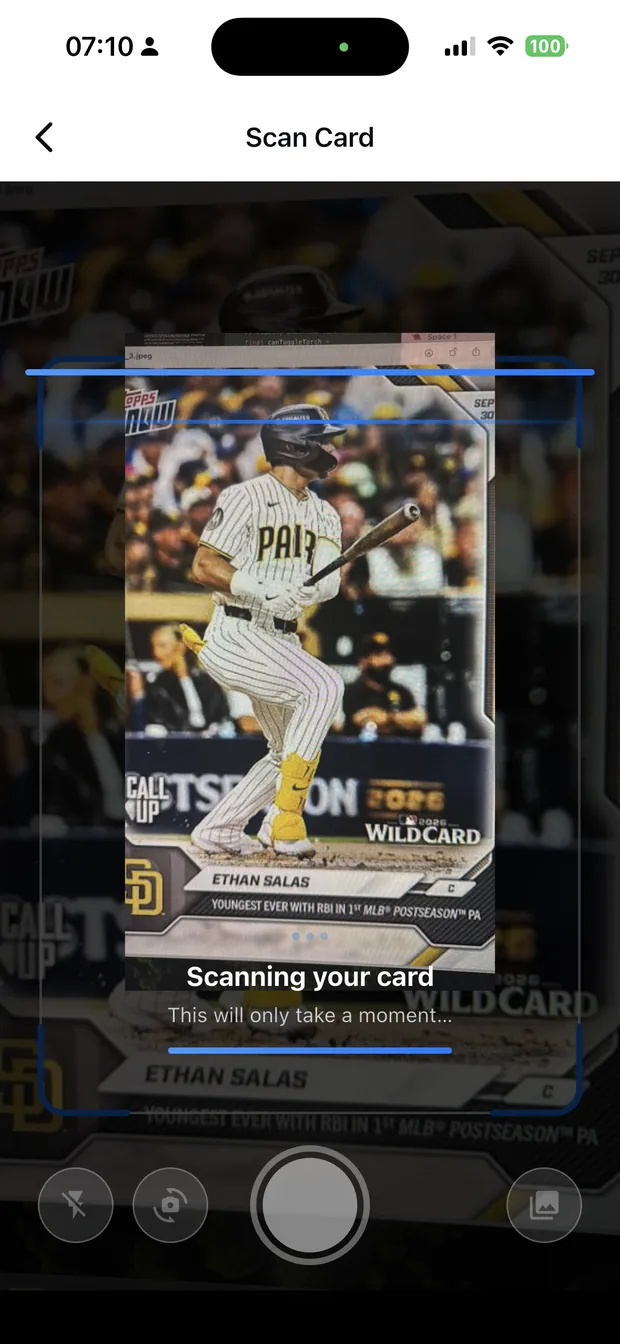
Set up once
The difference between scanning thirty cards an hour and three hundred is whether the light and the phone position move. Put the phone in a stand, choose one surface with diffused light, and leave both alone.
If the light is a window, scan at the same time of day. Daylight changes, and a session that starts in bright sun and ends in dusk produces reads of wildly different quality.
- Phone in a stand, at a fixed height.
- One surface, one light direction.
- Scan at the same time of day if you are using daylight.
- Keep the batch small enough to finish in one sitting.
Work in the right order
Start with the cards that carry the value: rookies, numbered parallels, anything in a holder or a slab. If the session ends early — and it will — the important cards are already recorded and valued.
Then work through the rest in batches of twenty to thirty, confirming as you go. Confirm rather than research is the whole point: the app proposes the identification, and you accept or correct it.
- 1. Rookies and numbered cards.
- 2. Anything sleeved, in a holder, or graded.
- 3. Sets in progress, if you are building one.
- 4. The rest, in batches, stopping at a defined point.
What to do with the results
The output of a bulk scan is a valued list, which is the input to every decision that follows: what to grade, what to sell individually, what to consign in bulk, and what to keep.
Sorting by value answers the question directly — in most collections, a small number of cards carry almost all of the value, and the scan is what makes that visible.
How it works
Three steps from a phone photo to a finished image
Scan the card
Point the camera at it — raw, sleeved, in a binder or in a slab.
Confirm the match
Check the player, year, set and parallel Zenith read.
See the value
The card lands in your collection with a market value attached.
FAQ
Frequently asked questions
How do I scan a lot of cards quickly?
Fix the setup — phone in a stand, one surface, one light direction — and work in batches of twenty to thirty, confirming each identification rather than researching it. The setup moving is what makes bulk scanning slow.
What order should I scan cards in?
Rookies and numbered cards first, then anything sleeved, held or graded, then sets in progress, then the rest. If the session ends early, the cards that carry the value are already recorded.
How long does it take to scan a collection?
Seconds per card once the setup is fixed, so a few hundred cards is an afternoon rather than a project. The variable is how often you stop to research something the app could have told you.
What do I do with a scanned collection?
Sort by value. That tells you what to grade, what to sell individually, what to consign in bulk and what to keep — and in most collections, a small number of cards carry almost all of the value.
Try it on your next photo
Free to download on the App Store. iPhone and iPad only.