
 Seller types
Reseller product photos
A reseller's problem is not quality, it is throughput: the photos have to be good enough to sell and fast enough to keep up with sourcing.
Batch by category, not by item
Reselling is a pipeline: source, photograph, list, ship. The inefficiency is in switching between categories — different lighting and framing for a jacket, a mug and a book — so the productive habit is to sort a sourcing haul by category and photograph one category at a time.
Once the setup is right for jackets, shooting twenty of them takes minutes each. The same twenty mixed into a pile of unrelated items takes all afternoon.
- Sort the haul into categories before photographing anything.
- Set up once per category, then shoot the batch.
- Keep the same surface, light and camera height within the batch.
- List as you go, so items are not sitting in a photographed-but-unlisted pile.
Condition, honestly and quickly
Resale buyers open with questions about condition, so photographing it up front saves the conversation. The fast version is a standard set: front, back, label, and a close-up of every flaw you are going to mention.
Do this the same way for every item and it becomes a habit rather than a decision. It also protects you: a dispute with condition photos on the listing is a dispute you win.
- Front and back, full item, in frame.
- Brand, size and care labels, legible.
- Every flaw, photographed before it is described.
- A scale reference for anything whose size is ambiguous.
Making volume look deliberate
The risk for a reseller is a catalogue that looks like a jumble: different backgrounds, different lighting, different crops. Fixing it does not slow anything down if the fix is a saved process rather than a decision per item.
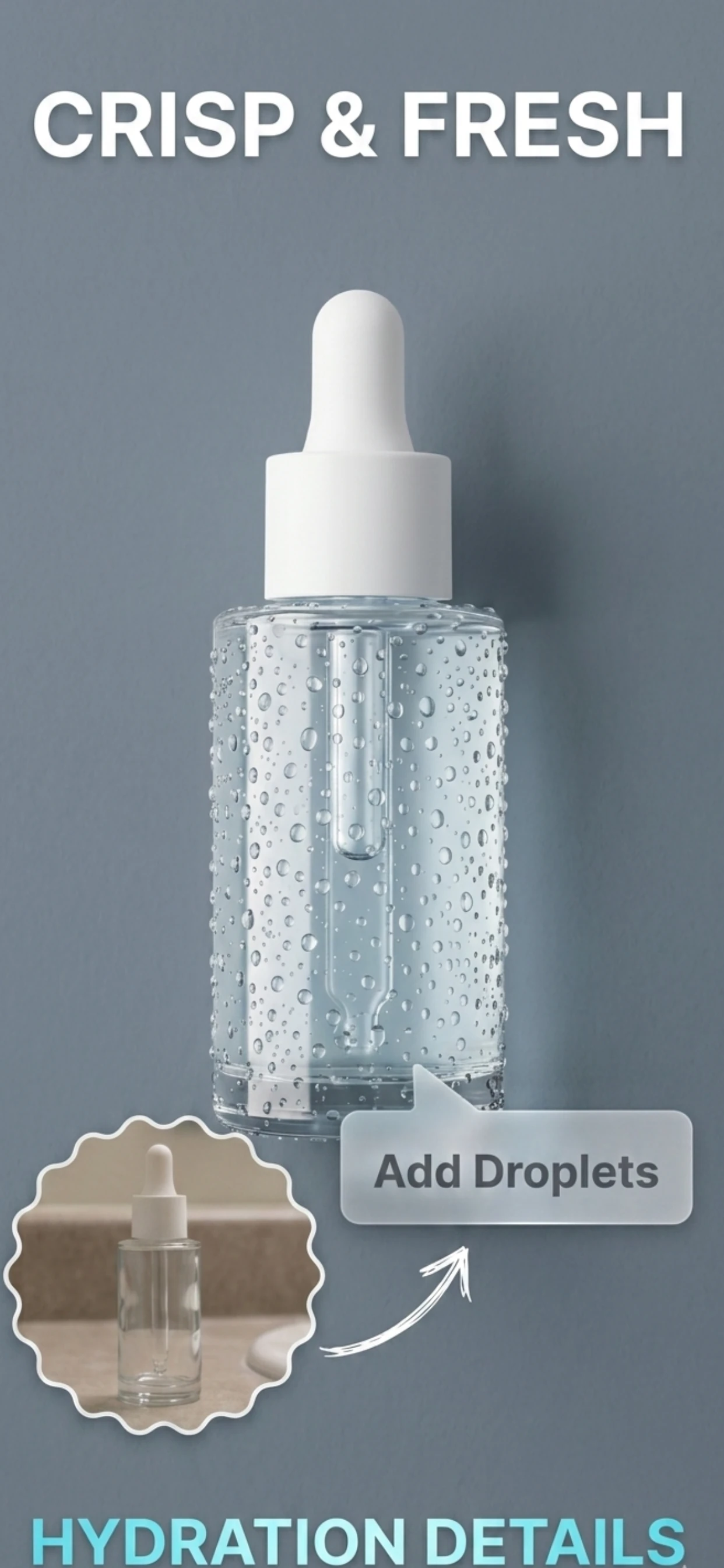
Zenith AI – Product Photo removes the background and applies the same treatment to every item, so a haul photographed on a table in a spare room comes out looking like a curated shop — which is what lets a reseller charge more than the next seller with the same stock.
How it works
Three steps from a phone photo to a finished image
Scan or upload
Take a photo in the app, or pick one you already shot on your iPhone.
Let the AI work
The app removes the background, relights the product and builds the scene.
Export and list
Save a marketplace-ready image at the size your listing needs.
FAQ
Frequently asked questions
How do I photograph resale items quickly?
Sort your haul by category, set up the light and surface once, then shoot the whole batch from the same position. Switching setups between items is what makes resale photography slow.
Do resale photos need a white background?
On marketplaces, a clean plain background is expected and white is safest. On resale apps with a social layer, such as Depop or Poshmark, a styled background sells better — but keep it consistent across your listings.
How do I handle flaws in resale photos?
Photograph every flaw and describe it. It is faster than answering questions later, and it is the difference between a buyer who arrives expecting wear and a buyer who opens a dispute.
Should I photograph each item individually or in batches?
Individually, but shot in batches. One item per listing is what sells, while the photography happens in batches of similar items with one setup.
Try it on your next photo
Free to download on the App Store. iPhone and iPad only.