
 Product types
Food product photos
Food is the most time-sensitive product you will photograph. Between plating and the photo, the light has to already be right.
Set the light before the food arrives
Food photography is a race against wilting, melting and drying. The single most useful habit is to compose and light the shot with a stand-in — an empty plate, a spare jar — so that when the real product appears you are pressing the shutter, not moving a lamp.
Daylight from a window, positioned behind and to one side, is what makes food look fresh: it puts a soft highlight on the surface and keeps the colour accurate. Flash does the opposite, flattening texture and shifting colour.
- Window light, side or back-lit, with a white card on the shadow side.
- Set the shot up first, then bring the product in.
- Shoot several frames immediately — you have seconds, not minutes.
- Never use flash; it makes food look plastic.
Packaged food is a different job
If you are selling a sealed packet, a jar or a box, the product is packaging, and packaging has to be photographed straight on with the label legible and no glare across the film. That is closer to cosmetics photography than to a restaurant plate shot.
A 45-degree angle showing the front panel and the top is the standard ecommerce composition, because it lets the buyer see the brand, the flavour and the format in one image.
- Straight-on and 45-degree shots, with the front panel fully readable.
- The nutrition panel and the ingredients list, for anything sold online.
- A serving suggestion — the product out of the pack — to show what it actually is.
- Scale: the pack in a hand, or beside a familiar object.
Fresh-looking images from a shop kitchen
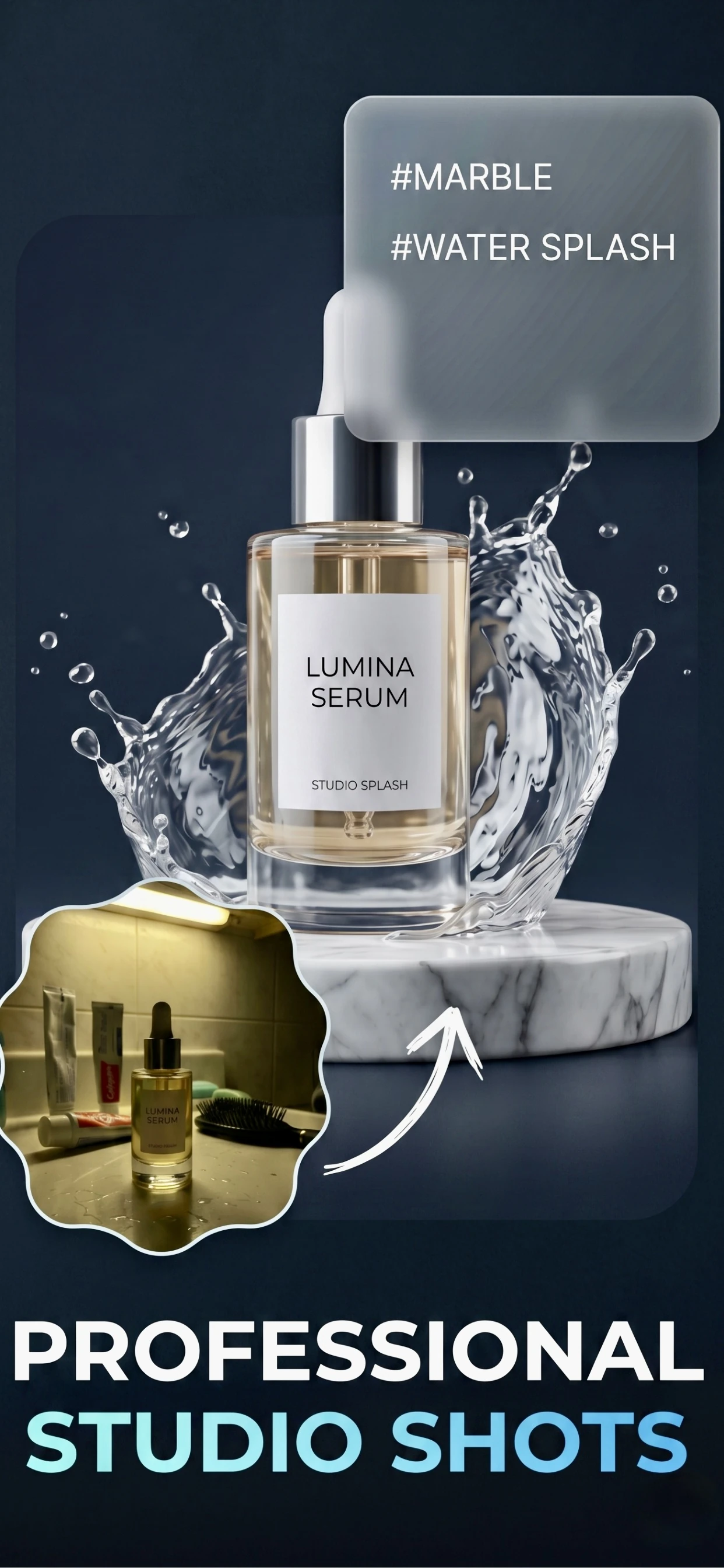
Zenith AI – Product Photo removes the background and rebuilds the scene, which is what turns a shot taken on a stainless steel counter into a clean listing image or a styled shot on a wooden board. For packaged goods it also fixes the two most common problems: a dull background and uneven light across a shiny wrapper.
Do the plating shot and the packaging shot in the same session, and generate the backgrounds together.
How it works
Three steps from a phone photo to a finished image
Scan or upload
Take a photo in the app, or pick one you already shot on your iPhone.
Let the AI work
The app removes the background, relights the product and builds the scene.
Export and list
Save a marketplace-ready image at the size your listing needs.
FAQ
Frequently asked questions
What light is best for food product photos?
Daylight from a window, from behind or to the side of the product. It keeps the colour accurate and puts a soft highlight on the surface. Flash flattens texture and makes food look artificial, so avoid it.
How do I photograph packaged food?
Straight on and at 45 degrees, with the front panel legible and no glare across the wrapper. Add the ingredients or nutrition panel, a serving suggestion and a scale shot if you are selling online.
How do I stop food looking dull in a photo?
Shoot fast, in daylight, with the light slightly behind the subject, and set the shot up before the food arrives. Most dull food photos are photos taken ten minutes after the food was plated.
Can I use AI to make a menu photo look better?
It can replace a distracting background and even out the light, which is what most menu and listing photos need. It will not make a stale dish look fresh — that is a timing problem, not an editing one.
Try it on your next photo
Free to download on the App Store. iPhone and iPad only.