
 Product types
Candle product photos
A candle is a mood product in a matte jar. The photo has to sell the mood and still show the label, the wax and the wick clearly enough to trust the listing.
Lighting a matte surface
Matte glass and matte wax absorb light, so a candle lit head-on photographs as a grey cylinder with a label. Side light is what gives it shape: it puts a soft gradient across the jar, keeps the label readable and shows the texture of the wax.
Warm, diffused daylight does this best. A candle is one of the few products where a slightly warmer white balance looks right rather than wrong — the product is meant to be seen in a warm room.
- Soft side light, not head-on, so the jar has a light and a dark side.
- Keep the label out of the highlight, or the text will blow out.
- A lit candle adds mood but shortens the shooting window; shoot the unlit version first.
- Avoid a hard shadow across the label — it is the part buyers read.
The details candle buyers check
Candle buyers are checking three things beyond the look: how much wax there is, what the wick is made of, and whether the label or the vessel is reusable. All three are photographable.
The top-down shot is the most useful one: it shows the wax surface, the wick and the full extent of the jar in a single frame, and it is the shot that confirms the size.
- Top down: the wax surface, the wick, the full jar rim.
- The label straight on, legible, including the weight in grams or ounces.
- The base, which often carries the batch or maker's mark.
- A styled shot with the candle in use — on a shelf, beside a book, lit.
Styled scenes without a photo studio
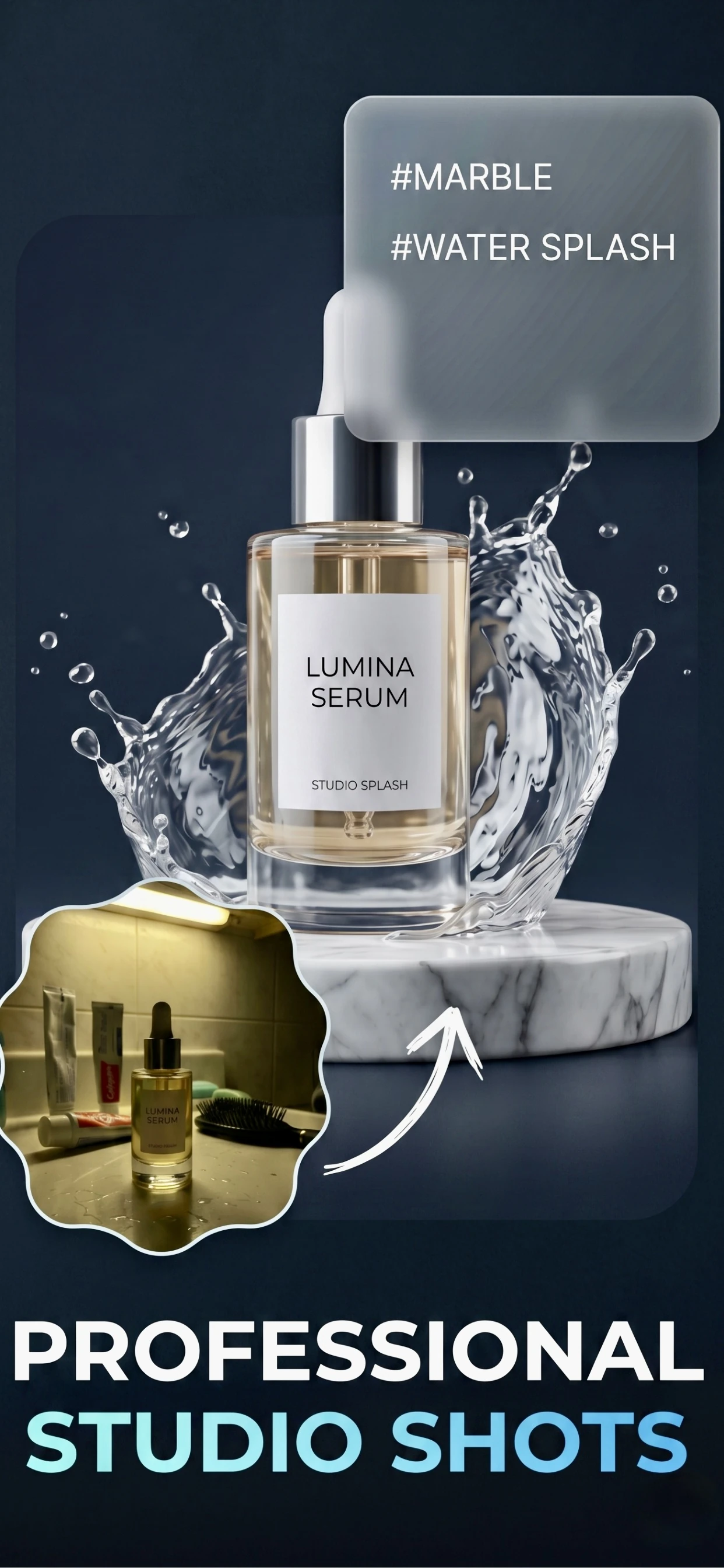
Candle photography is scene photography: the jar matters less than the shelf, the linen and the light behind it. That is precisely what a generated background does well — Zenith AI – Product Photo removes the background and builds the scene, so a candle photographed on a kitchen counter can be presented on a styled shelf.
For a small candle brand this is the difference between photographing a whole range in a studio and photographing it on the counter between batches.
How it works
Three steps from a phone photo to a finished image
Scan or upload
Take a photo in the app, or pick one you already shot on your iPhone.
Let the AI work
The app removes the background, relights the product and builds the scene.
Export and list
Save a marketplace-ready image at the size your listing needs.
FAQ
Frequently asked questions
How do I photograph a candle so it looks premium?
Use soft side light rather than head-on light, so the jar has a light and a dark side, and keep the label out of the highlight. Then place it in a styled scene — a shelf, linen, a book — because candles are bought as much for the mood as the wax.
Should the candle be lit in the photos?
A lit candle adds mood, but it shortens the shooting window and changes the light. Shoot the unlit version first for the main image, then light it for a secondary lifestyle shot.
What photos should a candle listing have?
A styled main image, a top-down shot showing the wax and wick, a legible label shot with the weight, and a shot of the base if it carries a batch mark. Add one image of the candle in use.
How do I make my candle photos look like a brand, not a hobby?
Keep the styling and the light identical across the range. A consistent background and the same light on every product makes a small range look like a collection, which is what buyers pay a premium for.
Try it on your next photo
Free to download on the App Store. iPhone and iPad only.