Your LinkedIn photo is doing a job: telling a recruiter, a client or a collaborator in about two seconds that you are the sort of person they can work with. Everything else is detail.
It is a circular crop, so compose for the circle
LinkedIn displays your photo as a small circle. That has two consequences. First, anything in the corners is invisible — so a photo with important detail at the edges is wasted. Second, your face needs to sit large enough to read at thumbnail size, which is smaller than most people expect.
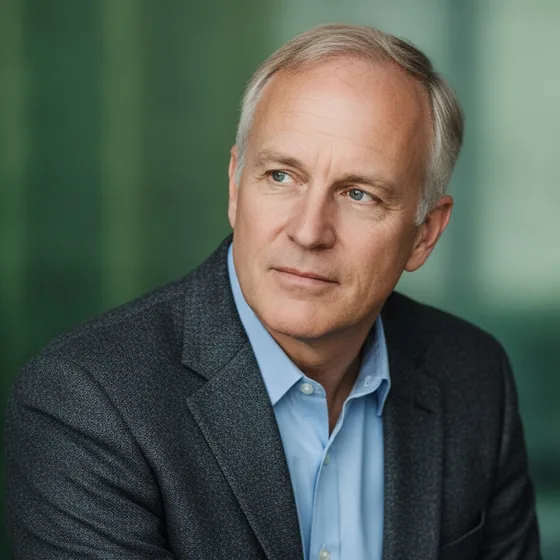
Aim for the head to fill roughly two-thirds of the frame height, centred, with the top of the head just inside the circle. If you have to squint at a preview to recognise yourself, the face is too small.
Match the photo to the role you want
The right look is not "most professional" in the abstract — it is the look that matches what you are asking to be hired for.
- Corporate and client-facing: a plain background, a jacket or a smart shirt, a direct and approachable expression.
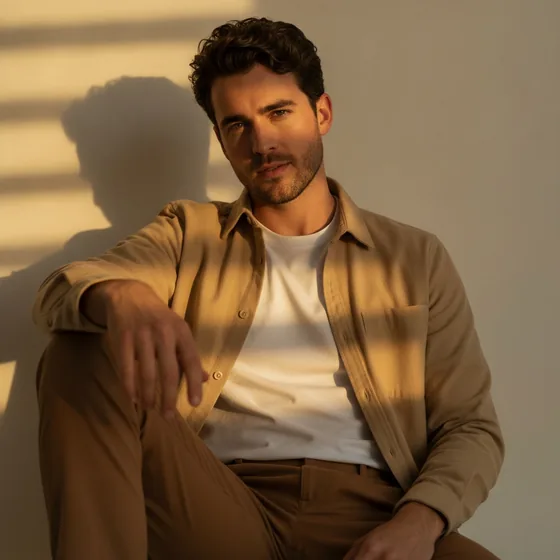
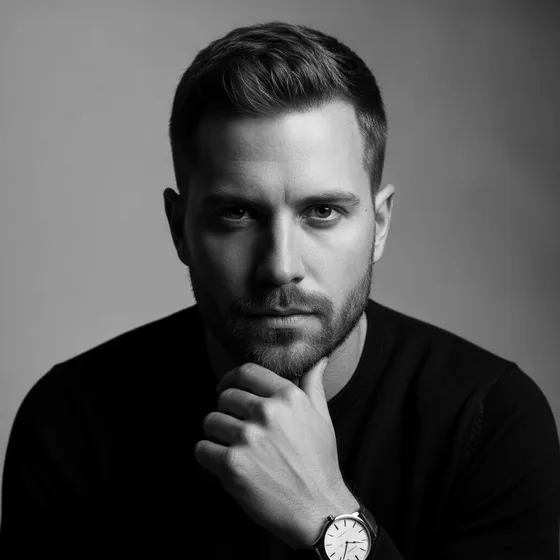
- Creative and editorial: more contrast, a slightly wider crop, a background with some texture.
- Technical and academic: clean and neutral, no distracting styling.
- Founder and small business: warm and human. A stiff corporate portrait can work against a one-person brand.
The five things that make a LinkedIn photo look wrong
None of these are about how you look. They are all photographic problems, and all fixable.
- A cropped-out group photo, with a shoulder or a wine glass still visible.
- A holiday photo where the background, not you, is the subject.
- Direct flash, which flattens the face and leaves a hard shadow.
- A photo old enough that you no longer look like it — the most common and most damaging mistake.
- A photo where you are looking away or down.
Keeping it current
The photo should look like you on a normal day: current hair, current glasses, current weight. Recruiters notice the mismatch when they meet you, and the cost of that is much higher than the cost of a new photo.
The practical obstacle is that a new photo usually means booking a session. That is exactly the friction AI headshots remove — generate a new set in minutes whenever your appearance or your role changes, and the photo never has to lag behind.
A quick checklist
Before you publish, check: is my face large enough to read at thumbnail size? Is the background plain? Is the light soft and in front of me? Do I look like the person who will turn up to the interview? If the answer to all four is yes, publish it.
Frequently asked questions
What size should a LinkedIn profile photo be?
LinkedIn recommends a square image of at least 400 by 400 pixels, and it displays the result as a circle. Upload a square crop with your face centred and filling about two thirds of the frame, so it still reads clearly at thumbnail size.
Should I smile in my LinkedIn photo?
A relaxed, closed-mouth or slight smile generally reads as more approachable than a neutral expression, and approachable matters for client-facing and team roles. The important thing is that the expression looks natural rather than posed.
Can I use an AI-generated photo on LinkedIn?
Yes, as long as it is a genuine likeness of you rather than a fabricated person. AI Headshot Pro generates portraits from your own photos, so your features, hair and skin tone are preserved — it is a retouched version of you, not somebody else.
How often should I update it?
Whenever your appearance changes enough that someone meeting you would notice. As a rule of thumb, every two years, and immediately after a significant change in hair, glasses or weight.