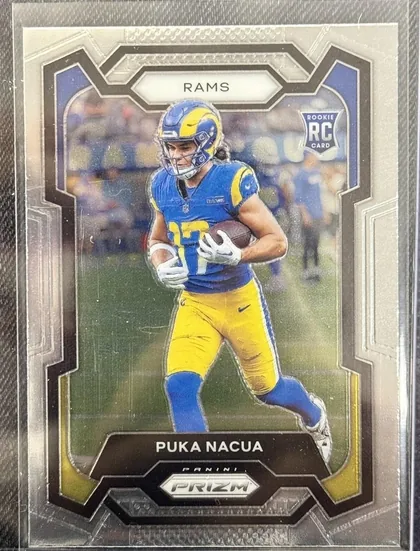
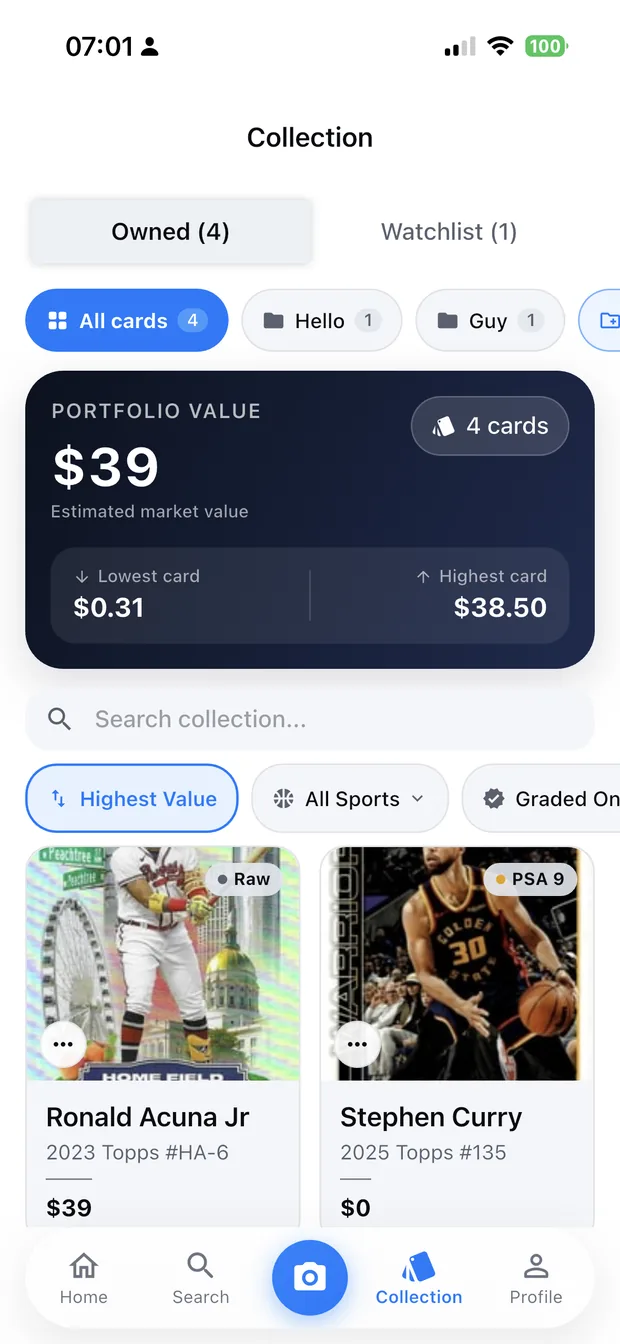
Scanning a card should take a couple of seconds. When it takes longer, the cause is almost always the photo rather than the app — a reflection on a glossy surface, a card at an angle, or a shadow across the name.
Lighting is most of the result
Card surfaces are designed to be reflective, which is exactly what breaks automated reading. The fix is diffused, indirect light: a window on an overcast day, or a lamp bounced off a wall or a sheet of paper.
- Avoid direct sunlight — it creates a hard highlight across the foil.
- Avoid flash, which does the same thing more aggressively.
- Avoid mixed light sources, which shifts colour and confuses the read.
- Keep your shadow out of frame; stand slightly to the side of the light.
Hold it flat, fill the frame
Photograph the card face-on rather than at an angle, and let it fill most of the frame. A card photographed square-on and large is much easier to read than one photographed from across a desk.
If you are shooting a stack, do it one card at a time. Multi-card photos are harder to read accurately, and fixing a mis-read takes longer than the extra seconds you saved.
Sleeves, top loaders and slabs
You do not need to remove a card from its protection. Penny sleeves and top loaders scan fine as long as there is no glare; the main thing to watch is that the plastic is clean and not scuffed.
Graded slabs scan well too. Tilt the slab very slightly to move any reflection off the label, and keep the whole slab in frame so the grade is captured with the card.
Confirm before you save
A good scanning workflow always includes a confirmation step. The app shows what it read — player, year, set, card number and parallel — and you confirm before the card is saved to your collection.
That step matters most for parallels, where two cards can look nearly identical but differ significantly in value. Checking the parallel is the difference between an accurate collection value and a misleading one.
- Check the card number against the card in your hand.
- Check the parallel — base, refractor, numbered and so on.
- Check the grade field if the card is slabbed.
- Add the purchase price while you still remember it.
Build the habit
The collectors who get the most out of scanning are the ones who scan as they go — a new arrival, a card show haul, a trade — rather than saving it up. Twenty cards after a show takes a few minutes; two thousand cards from a storage box is a project.
Frequently asked questions
Can I scan cards that are still in sleeves?
Yes. Penny sleeves and top loaders are fine. Make sure the plastic is clean and that no hard reflection falls across the card's name or number, and keep the card flat to the camera.
What if the app identifies the wrong card?
Re-shoot it: square to the camera, filling the frame, with softer light. If it still misses, search the catalogue by player and set and add the card manually — the value lookup works the same either way.
Can I scan several cards in one photo?
Some apps will offer alternative matches for a multi-card photo, but accuracy drops and you will spend longer confirming than you saved. One card at a time is faster in practice.
Do I need an internet connection to scan?
Yes for identification and values, because both require looking up the catalogue and recent sales. Scanning works best on Wi-Fi or a stable connection; a slow connection is the most common cause of a scan that seems to hang.